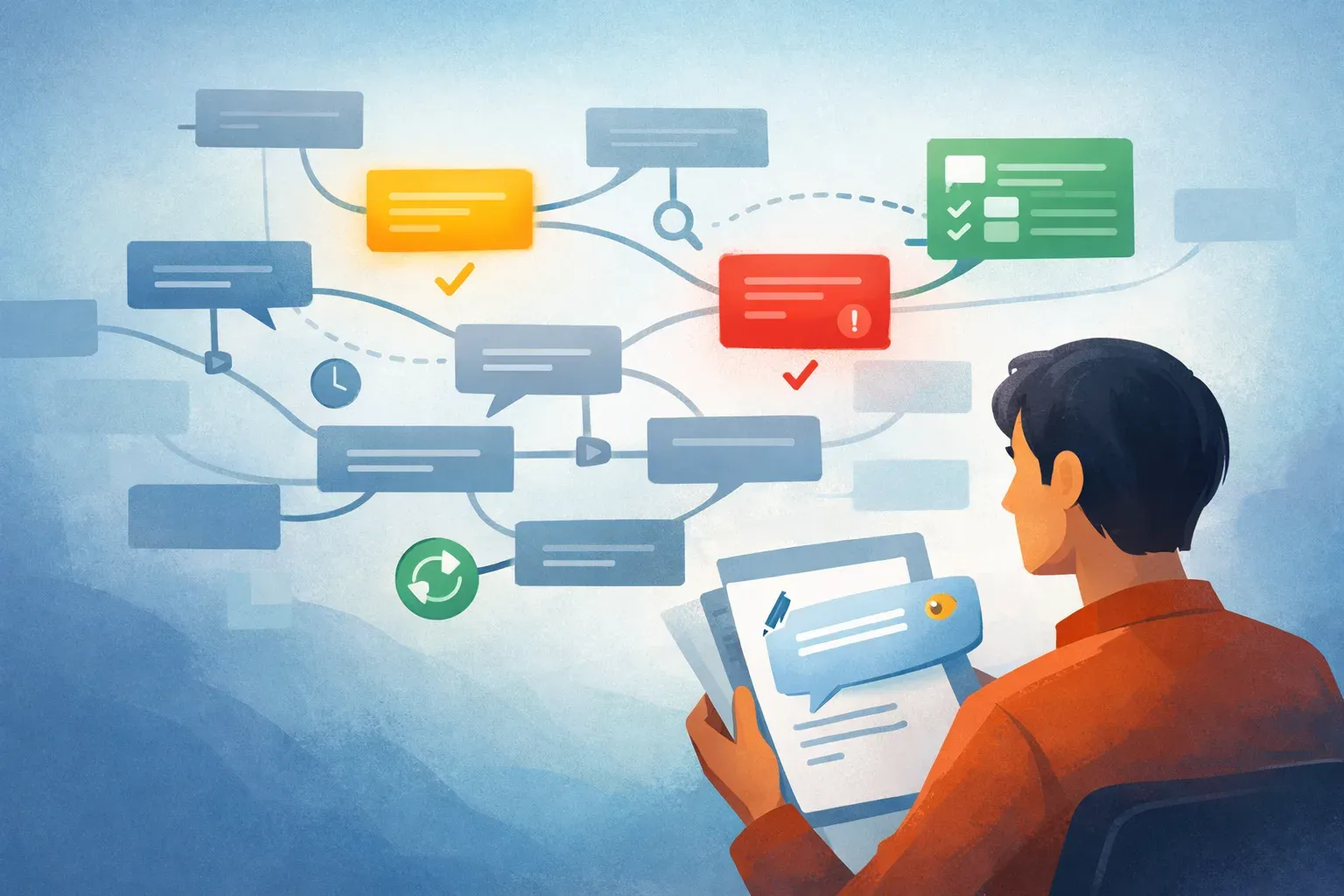
Email Triage Software: Faster Inbox Cleanup With AI Prioritization

Email overload is not just a productivity issue. It slows customer response times, hides urgent requests, and forces teams to make hundreds of low-value decisions every week.
Email triage software fixes the first problem in the inbox: deciding what deserves attention. This guide explains how AI email triage works, where it fits into inbox management, and how tools like Mailtwine help companies sort, prioritize, and route email automatically.
What Is Email Triage Software?
Email triage software is a tool that reviews incoming messages, determines their priority, and helps users decide what to read, reply to, archive, delegate, or route.
Unlike basic email filters, modern email triage software uses AI to understand message intent, urgency, sender context, and workflow requirements. The result is faster inbox cleanup with fewer manual rules.
What Email Triage Software Helps You Do
A strong email triage system helps teams:
- Identify urgent or high-value messages first
- Move low-priority email out of the main inbox
- Categorize messages by topic, team, customer, or workflow
- Route emails to the right person or shared inbox
- Flag messages that need a reply or follow-up
- Reduce manual sorting across IMAP, Fastmail, Helpmonks, and other mail systems
- Support better AI inbox management across individual and team workflows
Why Manual Email Triage Fails
Manual email triage breaks when message volume increases. People start scanning subject lines, guessing urgency, and leaving decisions for later. That creates backlog.
The issue is not email itself. The issue is that most inboxes force humans to do repetitive classification work that software can handle.
Common failure points include:
- Too many low-value decisions: Every newsletter, receipt, vendor message, and internal update demands attention.
- No consistent priority logic: One person flags a message as urgent. Another ignores the same type of request.
- Hidden customer risk: Escalations, complaints, and time-sensitive requests get buried under routine email.
- Rule-based filters break down: Static rules depend on exact senders, keywords, or folders. They miss context.
- Shared inbox confusion: Teams lose track of ownership, handoffs, and follow-ups.
- Metadata debt: Labels, folders, and categories become inconsistent because humans apply them differently.
- Context switching: Users jump between email, task tools, helpdesk systems, and internal chat to decide what to do next.
The outcome is predictable: slow response times, duplicate work, and missed opportunities.
How AI Email Triage Software Changes Inbox Management
AI email triage changes email from a chronological pile into an organized decision queue. Instead of asking users to inspect every message, the software classifies and prioritizes email before it reaches the main workflow.
From Chronological Inbox to Priority Queue
Traditional inboxes show messages by time received. That is simple, but it does not reflect business value.
Email triage software ranks messages based on signals such as:
- Sender importance
- Customer status
- Thread history
- Message urgency
- Keywords that indicate risk or action
- Team ownership
- Past handling patterns
This helps teams process the highest-impact messages first.
From Manual Email Sorting to AI Email Sorting
AI email sorting applies categories automatically. Instead of dragging messages into folders, users receive a pre-organized inbox.
AI sorting can classify emails by:
- Customer support
- Sales inquiry
- Billing
- Legal or compliance
- Vendor updates
- Internal request
- Newsletter or promotional mail
- Spam or low-value mail
- Follow-up required
Sender-based rules still matter, but AI adds context. For example, a known vendor might send a routine invoice one day and a contract escalation the next. Static filters may treat both the same. AI email sorting can distinguish the workflow.
From Static Rules to Email Automation
Email automation turns triage decisions into actions. Once the software understands what a message is, it can trigger the next step.
Examples include:
- Apply a label
- Route the message to a team inbox
- Assign ownership
- Create a follow-up reminder
- Move low-priority mail out of view
- Send a notification for urgent items
- Escalate customer complaints
- Group recurring operational messages
Good email automation does not remove human control. It removes repetitive setup and sorting work.
From Inbox Management Software to AI Inbox Management
Traditional inbox management software focuses on folders, search, and rules. AI inbox management adds judgment.
An AI inbox management tool can:
- Organize incoming mail by priority
- Detect intent and urgency
- Summarize long threads where supported
- Suggest next actions
- Reduce manual folder maintenance
- Help teams keep shared inboxes clean
- Support better handoffs between individuals and teams
The key shift is from storage to action. The inbox becomes a work queue, not just a message archive.
Email Triage Software vs Traditional Email Clients
| Capability | Traditional Email Client | Email Triage Software |
|---|---|---|
| Sorting method | Manual folders and rules | AI classification and priority detection |
| Priority handling | Flags, stars, or manual review | Automated urgency scoring and routing |
| Shared inbox support | Limited without add-ons | Built for team routing and ownership |
| Automation | Basic filters | Workflow-based labeling, routing, reminders, and handoffs |
| Context awareness | Low | Understands intent, sender, and message content |
| Best for | Personal email control | High-volume individual and team inboxes |
Bottom line: Traditional email clients help users store and read email. Email triage software helps users decide what to do with email.

Where Email Triage Software Creates Value
Email triage software is most useful when email volume is high, response time matters, or multiple people share responsibility for messages.
1. Customer Support Inbox Triage
Support teams often receive product questions, complaints, bug reports, billing issues, and routine updates in the same inbox.
Email triage software can:
- Detect urgent complaints
- Route technical issues to support
- Move billing questions to finance
- Label refund requests
- Separate low-priority confirmations from customer-facing issues
The workflow improvement is direct: support teams start with the messages that carry customer risk.
2. Sales Lead Prioritization
Sales teams lose time when high-intent inquiries sit beside newsletters, automated alerts, and internal updates.
AI email triage can help identify:
- Demo requests
- Pricing questions
- Contract replies
- Buying intent from existing accounts
- Replies from target accounts
- Low-value promotional mail
This helps sales teams respond faster to active opportunities.
3. Executive Inbox Management
Executives need visibility into the right messages without reviewing every item manually.
An intelligent email assistant can help by:
- Surfacing urgent requests
- Grouping routine updates
- Identifying decision-required emails
- Separating internal FYIs from action items
- Highlighting VIP senders
This does not replace executive judgment. It protects attention.
4. Finance and Operations Routing
Finance and operations teams often receive recurring emails such as invoices, receipts, vendor requests, purchase approvals, and compliance notices.
Email workflow automation can:
- Label invoices
- Route vendor emails to the right owner
- Flag payment-related urgency
- Separate receipts from approval requests
- Trigger follow-up reminders for unresolved threads
This reduces manual inbox cleanup and keeps routine workflows moving.
5. Shared Inbox Ownership
Shared inboxes break when nobody knows who owns a message.
Email triage software can improve shared inbox handling by:
- Assigning categories automatically
- Routing emails by team or topic
- Highlighting unassigned urgent messages
- Separating completed items from open work
- Supporting consistent handling across team members
The result is fewer dropped threads and less duplicate work.
6. Catching Up After Time Away
Inbox backlog grows quickly after travel, PTO, or focused work blocks.
An AI email assistant can help users catch up by:
- Grouping messages by priority
- Separating action items from FYIs
- Highlighting missed replies
- Identifying long threads that need review
- Moving low-priority mail out of the first-pass view
For many users, the value is not just faster sorting. It is knowing where to start.
How Mailtwine Powers AI Email Triage
Mailtwine is email triage software built to help companies process incoming email automatically with advanced AI features.
It sits between basic inbox filtering and full manual workflow management. Instead of asking teams to build endless rules, Mailtwine helps classify and prioritize email using AI-driven triage.
Core Mailtwine Capabilities
Mailtwine supports modern email triage through:
- Automatic AI triage: Classify incoming messages based on intent, urgency, and workflow relevance.
- AI email sorting: Organize mail into useful categories without relying only on static rules.
- Priority detection: Surface messages that need faster attention.
- Workflow routing: Help direct messages toward the right person, inbox, or process.
- Inbox cleanup: Reduce clutter by separating low-value mail from decision-required messages.
- Native Helpmonks support: Triage and organize email workflows connected to Helpmonks.
- Fastmail support: Bring AI triage into Fastmail-based workflows.
- IMAP compatibility: Connect Mailtwine to standard IMAP accounts for broader email coverage.
- Microsoft 365 support: Native Microsoft 365 Office account support, which will help teams bring AI triage into Microsoft-based email workflows.
- Google email support: Connect Mailtwine to your Google Workspace with the native OAuth support for Google email accounts.
For teams building an AI inbox management system, Mailtwine provides the triage layer: the part that decides what each message is and where it should go next.
Related AI Email Management Workflows
Email triage is one part of a complete AI email management strategy. Teams often connect it with:
- AI email management
- AI inbox management
- AI email sorting
- Email automation
- Email workflow automation
- AI email summarizer
- AI email assistant
- AI email assistant for Outlook
- Inbox management software
- Best AI email assistant
These pages should connect back to the email triage software page so users can navigate by use case and search engines can understand the full topic structure.
Best Practices for Implementing Email Triage Software
Email triage software works best when the team defines how email should move through the business.
Follow these steps:
- Map your email categories first
Identify the main message types your team receives: support, sales, billing, operations, vendor, legal, internal, and low-priority mail. - Define what “urgent” means
Urgency should not depend only on words like “ASAP.” Include customer status, sender type, deadline language, and business risk. - Start with triage before complex automation
First, prove that the software can classify email accurately. Then add routing, reminders, and team handoffs. - Keep humans in control of edge cases
Let AI handle repeatable sorting and prioritization. Keep approval, sensitive replies, and ambiguous cases visible to people. - Review categories regularly
Email patterns change. Check labels, routes, and priority logic monthly so the system stays aligned with actual workflows. - Connect triage to existing tools
If your team already uses Helpmonks, Fastmail, Google, IMAP-based mailboxes, or Microsoft 365, choose software that fits those workflows rather than forcing a full inbox migration.
Frequently Asked Questions
What is email triage?
Email triage is the process of reviewing incoming messages and deciding what to read, reply to, archive, delegate, or route. Email triage software automates much of that decision-making with AI.
What does email triage software do?
Email triage software prioritizes urgent messages, sorts email into categories, routes messages to the right workflow, and helps users process inboxes faster. Advanced tools use AI instead of relying only on static rules.
How does AI email sorting work?
AI email sorting analyzes message content, sender context, urgency signals, and workflow patterns to categorize incoming mail automatically. It can separate sales, support, billing, internal updates, and low-priority messages without manual folder work.
Is email triage software the same as inbox management software?
No. Inbox management software usually focuses on organizing and controlling email. Email triage software focuses on deciding which messages matter, what category they belong in, and what action should happen next.
What is an AI email assistant?
An AI email assistant helps manage incoming mail by prioritizing messages, organizing threads, surfacing action items, and reducing manual inbox cleanup. Some AI email assistant tools also support summaries, reply drafting, or follow-up suggestions.
Can I use an AI email assistant with Outlook?
Some AI email assistants support Outlook or Microsoft 365 accounts. Mailtwine currently works with Helpmonks, Fastmail, and IMAP, Microsoft 365 Office, and Google accounts.
What is the best AI email assistant for teams?
The best AI email assistant for teams should support automatic triage, AI email sorting, priority detection, workflow routing, shared inbox handling, and compatibility with existing mail systems. For teams that need AI-based triage across Helpmonks, Fastmail, and IMAP, Mailtwine is a strong fit.
How does email workflow automation save time?
Email workflow automation saves time by turning triage decisions into actions. For example, the system can label invoices, route support requests, flag urgent customer issues, and create follow-up reminders without manual sorting.
Wrapping Up: Email Triage Software Turns the Inbox Into a Work Queue
Email triage software helps teams stop treating the inbox like a chronological feed. AI can classify, prioritize, and route email before users waste time sorting it manually.
Mailtwine gives companies an AI triage layer for Helpmonks, Fastmail, IMAP workflows, Microsoft 365, and Google accounts. If your team is losing time to inbox cleanup, start by automating triage.
Ready to process email faster? Try Mailtwine and bring AI email triage into your inbox workflow.