Mailtwine Blog

Focus

Email triage & AI email assistant

Notes on triage queues, AI-assisted replies, routing rules, approval loops, and the operational systems that keep shared inboxes moving.

Email Triage With AI: Classify, Prioritize, Route, Approve

Email Triage With AI: Classify, Prioritize, Route, Approve

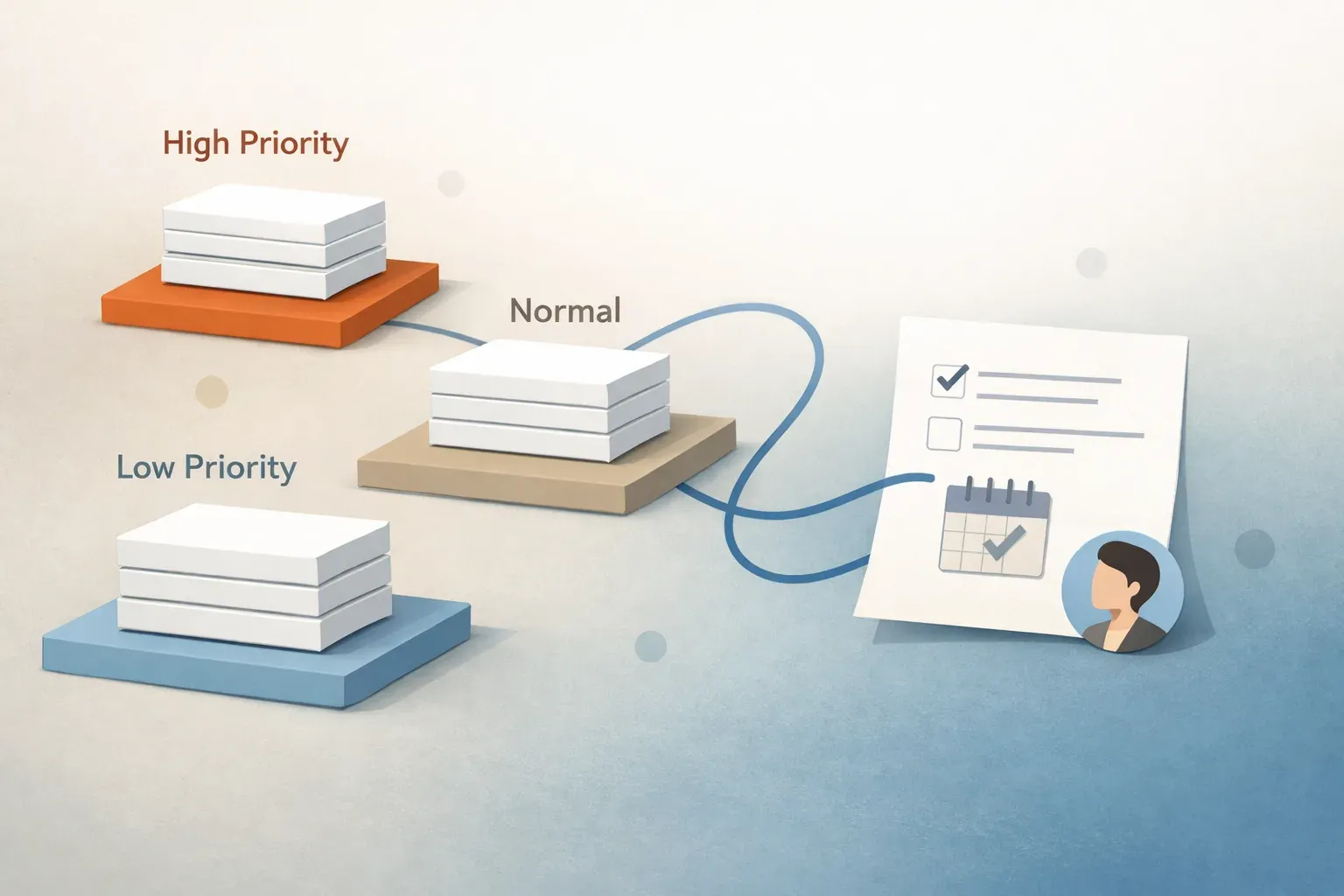
AI email triage turns a shared inbox into an action queue by identifying requests, weighing urgency and assigning owners. Mailtwine can suggest routes and draft replies, while people review uncertain cases and approve responses before sending.


23 Oct 2026 · 5 min read
8 Email Management Tools for Overloaded Inboxes to Try in 2026

8 Email Management Tools for Overloaded Inboxes to Try in 2026

The guide compares eight email tools, from personal clients and AI assistants to team workflow platforms. It recommends testing options against real inbox tasks, account support, and whether you need individual help or team routing and follow-through.

23 Oct 2026 · 6 min read
AI Email Assistant for Outlook: When Mailtwine Makes Sense

AI Email Assistant for Outlook: When Mailtwine Makes Sense

Mailtwine connects to Outlook.com and Microsoft 365 to help teams prioritize shared mail, assign owners, and prepare replies for review. Teams should test the full workflow, not just the quality of its drafts.

23 Oct 2026 · 5 min read
AI Inbox Management Software: Compare Tools by Workflow Fit

AI Inbox Management Software: Compare Tools by Workflow Fit

Compare AI inbox tools with real threads, testing routing, approvals, audit history, deadlines, and mailbox connections. Drafting help may suit a solo inbox; shared inboxes need clear ownership and visible handoffs.

23 Oct 2026 · 5 min read
Email Triage With AI: A Practical Workflow for Every Team

Email Triage With AI: A Practical Workflow for Every Team

AI can help teams sort email by urgency, assign owners, and summarize threads so requests do not get lost. Teams should test the workflow on real messages and review drafts and high-stakes decisions before responding.

23 Oct 2026 · 5 min read
Email Workflow Automation: Five Examples for Shared Inboxes

Email Workflow Automation: Five Examples for Shared Inboxes

Shared-inbox workflows do more than sort mail: they assign owners, route requests, flag replies for approval, and catch stalled threads. Start with one recurring request and check that reminders and escalations stop when the work is done.

22 Oct 2026 · 6 min read
Can an AI Agent Help Manage a Busy Email Discussion List?

Can an AI Agent Help Manage a Busy Email Discussion List?

AI can help tame a high-volume discussion list by flagging messages that need attention, recapping long threads, drafting replies, and tracking follow-ups. People should verify context and approve responses, keeping judgment and participation in their own hands.

22 Oct 2026 · 6 min read
Email Triage: Turn Incoming Messages Into Clear Actions

Email Triage: Turn Incoming Messages Into Clear Actions

Email triage turns incoming messages into an action queue by setting a priority, an owner, and a next step. AI can suggest routes and draft replies, while people review sensitive decisions and commitments.

22 Oct 2026 · 5 min read
Email Triage for Shared Inboxes: From Intake to Ownership

Email Triage for Shared Inboxes: From Intake to Ownership

Shared-inbox triage gives each actionable thread a priority, an owner, a next step and a visible status. AI can help classify and route requests or draft replies, but people should review consequential decisions and customer commitments.

22 Oct 2026 · 4 min read
What Mailtwine does for email triage

What Mailtwine does for email triage

Mailtwine is email triage software for teams that need the inbox to become a clear action queue. Instead of leaving every message to manual review, it helps sort, prioritize, route,

21 Oct 2026 · 7 min read
How to Triage Important Account Emails and Track Follow-Ups

How to Triage Important Account Emails and Track Follow-Ups

A reliable email triage process labels what needs action, weighs urgency, assigns one owner, and records the next step. Clear thread summaries and scheduled follow-ups help teams keep requests from getting lost across shared inboxes.

21 Oct 2026 · 5 min read