Can an AI Agent Help Manage a Busy Email Discussion List?
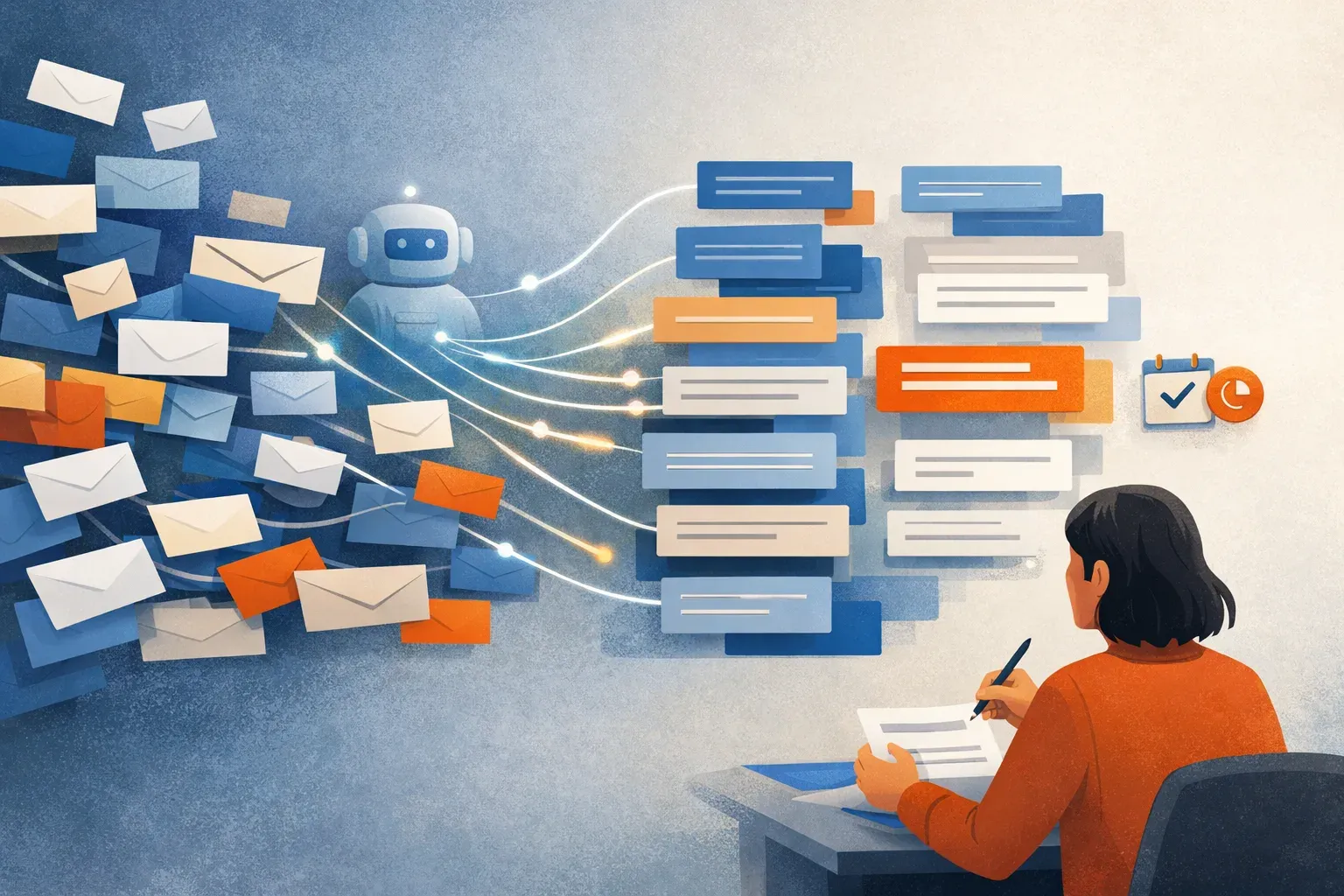
A busy discussion list can turn into an inbox problem fast: new messages arrive while you're working, long threads branch into several conversations, and the few emails that need your response are easy to miss. An AI assistant can help sort and summarize that flow, but it should not take over your participation.
The useful division of work is straightforward: let AI help identify what matters, condense thread context, prepare a reply draft, and keep a follow-up visible. You decide what the conversation means and whether, when, and how to respond.
That distinction matters in discussions where a message needs judgment, not just a quick answer. A recent post about an active #aoir email discussion describes the volume problem and asks whether an AI agent could help manage it. The practical need is less "make the agent join the conversation" and more "help me keep up without reading every message as it arrives." (The post on Bluesky)
What should an AI assistant do with discussion-list email?
A useful assistant should reduce the effort of following the conversation while leaving its human meaning and decisions with you. That means handling repeatable inbox work, not impersonating a participant.
For each incoming message or thread, the workflow can help answer:
- Is this message likely to need my attention?
- What has happened in the thread so far?
- Is there a question, request, decision, or point I may want to address?
- Should I reply now, leave it for later, or ask someone else to weigh in?
- If I owe a response, what context should I review before drafting it?
A one-line summary may be enough for a routine update. A long or fast-moving thread may need a fuller recap: the main points, what remains unsettled, and the specific message that prompted the latest reply. The summary should help you decide whether to open the whole thread, not suggest that you can safely skip context every time.

A practical workflow for a high-volume list
1. Separate attention from arrival order
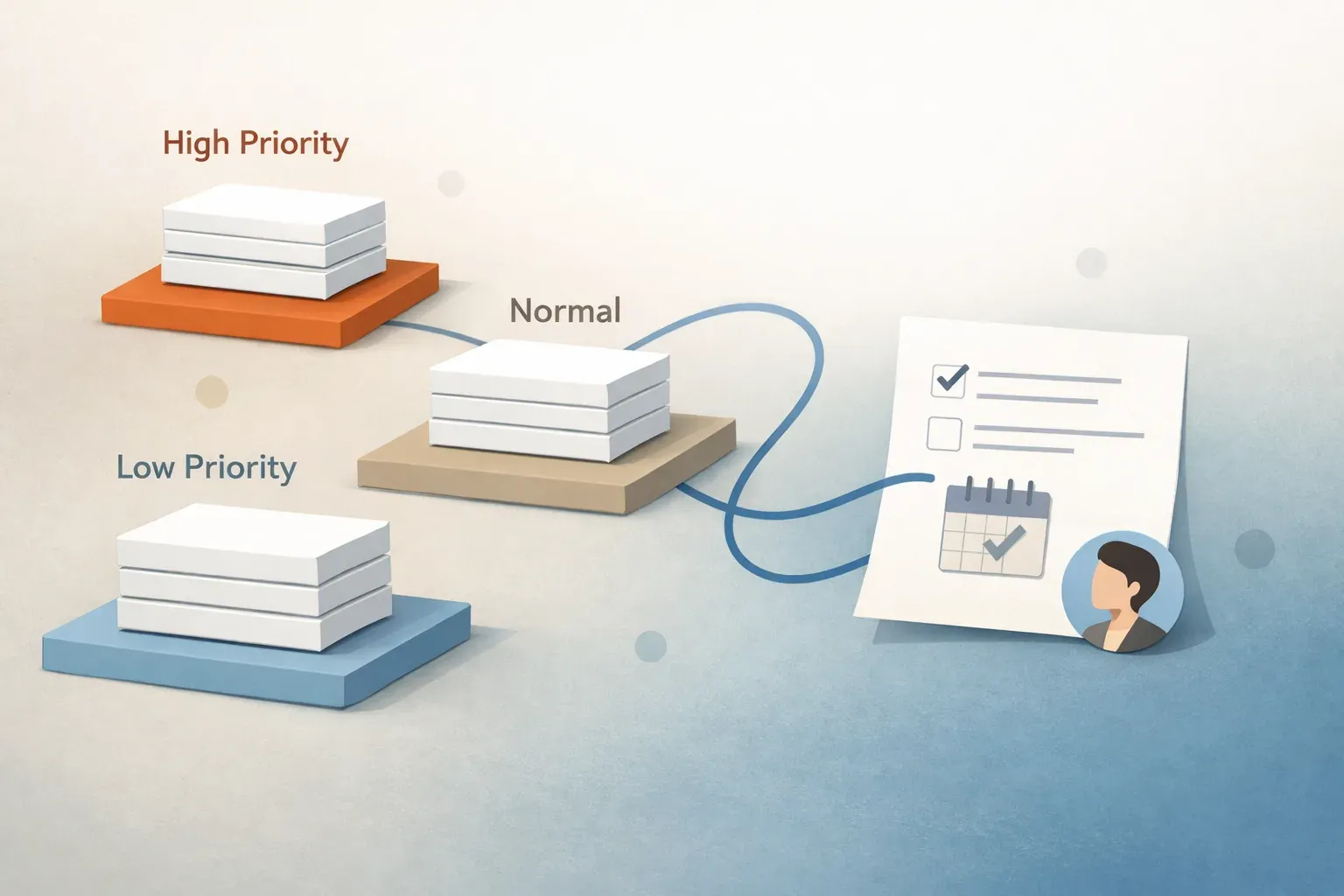
Chronology is not the same as priority. The newest message is not always the most important one, and a thread that receives many replies can crowd out a direct question that needs your attention.
AI-assisted triage can help group incoming mail by likely urgency, topic, or whether it calls for action. For a discussion list, useful distinctions might include messages that ask you a direct question, messages that continue a thread you're following, and messages that are informational. Treat these as working categories to review, not as a verdict about what deserves a response.
The goal is a more useful queue: first see the messages that need a decision, then review the rest when you have time. Mailtwine supports prioritization and triage in connected inboxes. For a broader explanation of this workflow, see how AI email triage works.
2. Use summaries to regain context
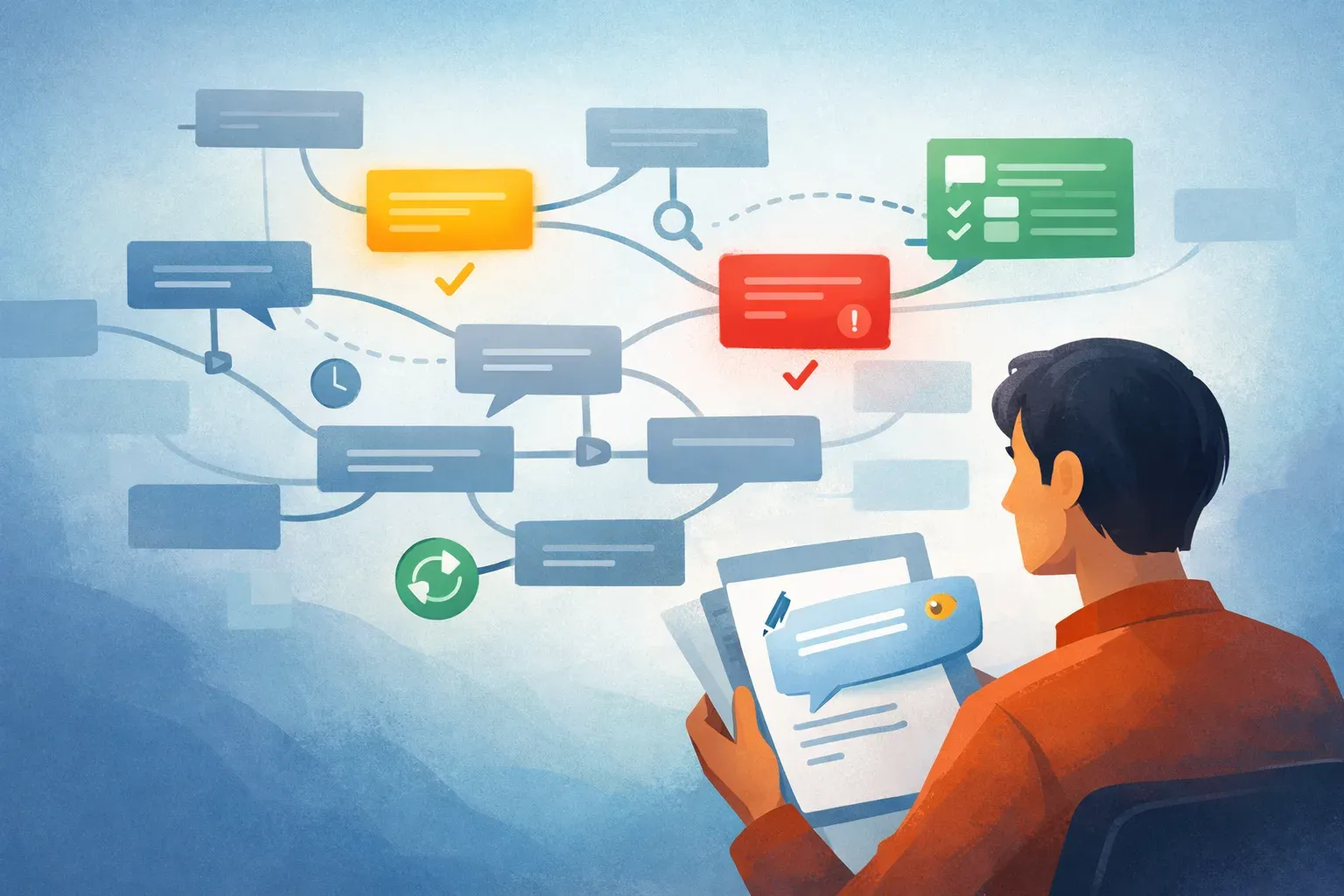
When you return to a discussion after a few hours or a day, reading every message in order can take longer than deciding what to say. A thread summary can give you a starting point by capturing the central question, the main positions expressed, and any open request or next step.
For example, a useful recap might say: "This thread is discussing whether a new participant should be treated as an AI identity. Several people have raised questions about attribution and participation. No shared conclusion is apparent. The latest message asks for responses to a specific point."
That recap does not settle the issue. It shows you where to look. Before replying to a sensitive or detailed discussion, open the relevant messages and verify the original wording, who said what, and whether the thread has changed since the summary was made.
3. Draft replies, then review them yourself
AI can help turn your notes into a readable draft, especially when you want to respond to a recurring question or need to organize several points. A draft saves typing time, but it can also flatten disagreement, overstate a position, or miss a reference that matters to the group.
Keep the review step explicit:
- Check that the draft answers the message you intend to answer.
- Verify names, claims, quotations, and references against the thread.
- Restore qualifications or distinctions the draft has compressed.
- Make sure the wording reflects your view, not a generic summary of the discussion.
- Send only after you are comfortable owning the response.
For a list conversation, this review is not a formality. A reply goes to an audience, may become part of a longer discussion, and can be read as your considered position. The assistant can prepare wording; it should not decide what you believe or send on your behalf without your review.
4. Keep track of replies you owe
A common inbox failure is not missing an incoming message but losing the thread after deciding to respond later. If a message needs thought, turn it into a visible follow-up rather than relying on an unread flag or memory.
A follow-up workflow can record that you owe a reply, keep the relevant thread available, and remind you to return to it. If someone asks a question and you need to consult another message before answering, note that dependency as part of the next step. The aim is to make "I'll come back to this" a tracked task rather than an invisible intention.
This can also help with discussions that move quickly. If you draft a reply but choose not to send it yet, keep it in review and check the thread again before sending. Someone may have already answered, or the conversation may have moved in a different direction.
5. Route messages only when ownership is clear
If a discussion list is part of a team or research group's work, some messages may need another person's input. Routing can help put a thread in front of the person best placed to answer, but it should not create ambiguity about who owns the response.
Before routing, decide what the handoff means: Is the other person being asked to answer, review a draft, or provide background? Make that request clear. If the original sender expects a response from you, retain responsibility for closing the loop unless the handoff is explicit.
For an individual inbox, routing may be less relevant than prioritization and follow-up. For a team, clear ownership can prevent two people from writing separate replies or each assuming the other has handled the message.
What an AI agent should not do
"Manage my inbox" can sound like permission to act autonomously. For a discussion list, it is better to define the limits before using AI.
An assistant should not:
- Post opinions or participate as if it were you.
- Send a reply that you have not reviewed.
- Treat a summary as a complete substitute for important source messages.
- Decide that a message is unimportant just because it is long, repetitive, or part of a busy thread.
- Claim consensus where participants disagree or the discussion remains open.
- Mark a follow-up complete merely because a draft exists.
These boundaries keep the workflow useful without confusing assistance with authorship. The agent can reduce the reading and sorting burden while you retain control of interpretation and participation.
What this looks like in Mailtwine
Mailtwine is an AI email assistant for working with existing inboxes. Its supported workflows include prioritizing incoming mail, summarizing threads, drafting replies, routing messages, approvals, and follow-ups. It supports Gmail, Outlook, Fastmail, Helpmonks, IMAP, and MCP clients.
For a busy discussion list, that means you can use the assistant to bring likely action items forward, get context from a long exchange, prepare a draft for review, and remember to return to a thread. It does not mean handing over your identity in the conversation. The human remains responsible for deciding what to say and approving the response.
Mailtwine may be useful if the main problem is the work around incoming messages rather than the list itself. If you want a fuller view of how triage and follow-ups fit together, read how to triage important emails and track follow-ups. For an overview of the wider inbox workflow, see what inbox management software should do for teams.
Start with a small, reviewable setup
You do not need to automate every message to see whether AI helps. Begin with one discussion list or one busy mailbox and use the assistant for a few clear tasks: surface messages that appear to need a response, summarize long threads, and keep deferred replies on a follow-up list.
Then review the results. Did the system bring useful messages forward? Were thread summaries accurate enough to guide your reading? Did the reply drafts preserve your meaning? Were follow-ups easy to find? Adjust the workflow where it misreads the discussion, and keep human review in place for replies that carry judgment or represent your position.
The best outcome is not an AI that talks more on your behalf. It is an inbox where you can see what needs attention, recover context quickly, and respond deliberately without monitoring every message as it arrives.