AI for Email Management vs Email Workflow Automation in Teams

A customer emails a shared inbox about a missed deadline. AI marks the message urgent, but no one is assigned to answer it. The team can see the problem sooner, yet the work still stalls.
That is the difference between AI for email management and email workflow automation. AI for email management helps people understand and organize incoming messages. Email workflow automation moves those messages through repeatable steps, such as assignment, reply review, and follow-up. Teams often need both: a useful first assessment and a clear next action.
AI for email management vs email workflow automation
AI for email management uses message content and thread context to help a team decide what an email means and what deserves attention. It may classify a request, estimate its urgency, summarize a long exchange, or suggest a reply. The result is a clearer view of inbox work.
Email workflow automation applies a process to that work. It can route a request to an owner, prepare a draft for approval, or bring a thread back when a follow-up is due. A workflow may use AI's assessment to choose a path, but it also needs rules about ownership and review.
| Incoming email needs... | AI for email management helps identify... | Workflow automation helps ensure... |
|---|---|---|
| A priority decision | Whether the request appears urgent or routine | Urgent work reaches the right queue |
| An owner | The topic or likely team | Someone is assigned to handle it |
| A response | Relevant thread context and a possible draft | A person reviews the draft before sending |
| A later check-in | A promised date or unanswered request | The thread returns for follow-up |
The distinction is practical, not a rigid product category. A tool can do some of both. What matters is whether it stops at "this looks important" or helps the team answer "who handles it, and what happens next?"
Follow one request through the inbox
Consider a customer who writes: "We were expecting the updated files yesterday. Can you confirm when we'll receive them?"
A team using AI only for sorting might see the message labeled urgent. That saves scanning time, but a colleague still has to read the thread, find the person responsible, draft an answer, and remember to check whether the files went out.
A managed workflow gives each step a place:
- Prioritize the request. AI reads the message and earlier thread to surface the missed deadline. A human can correct the priority if the context changes the assessment.
- Route it to an owner. The request goes to the person or team responsible for the files, rather than remaining in a shared queue where everyone assumes someone else will reply.
- Prepare a reply for review. AI can draft an acknowledgment using the available thread context. The owner checks the facts, especially any delivery date or commitment, before sending.
- Keep the follow-up visible. If the owner promises an update tomorrow, the thread needs a reminder or follow-up step. Sending the first reply should not make the underlying request disappear.
This is the point where inbox organization becomes operational. The team is not trying to automate judgment about a missed commitment. It is removing the repetitive work around that judgment while keeping responsibility visible.
For a broader look at what AI can and cannot infer from a message, see what email AI can do and where its limits are.
Where Mailtwine fits
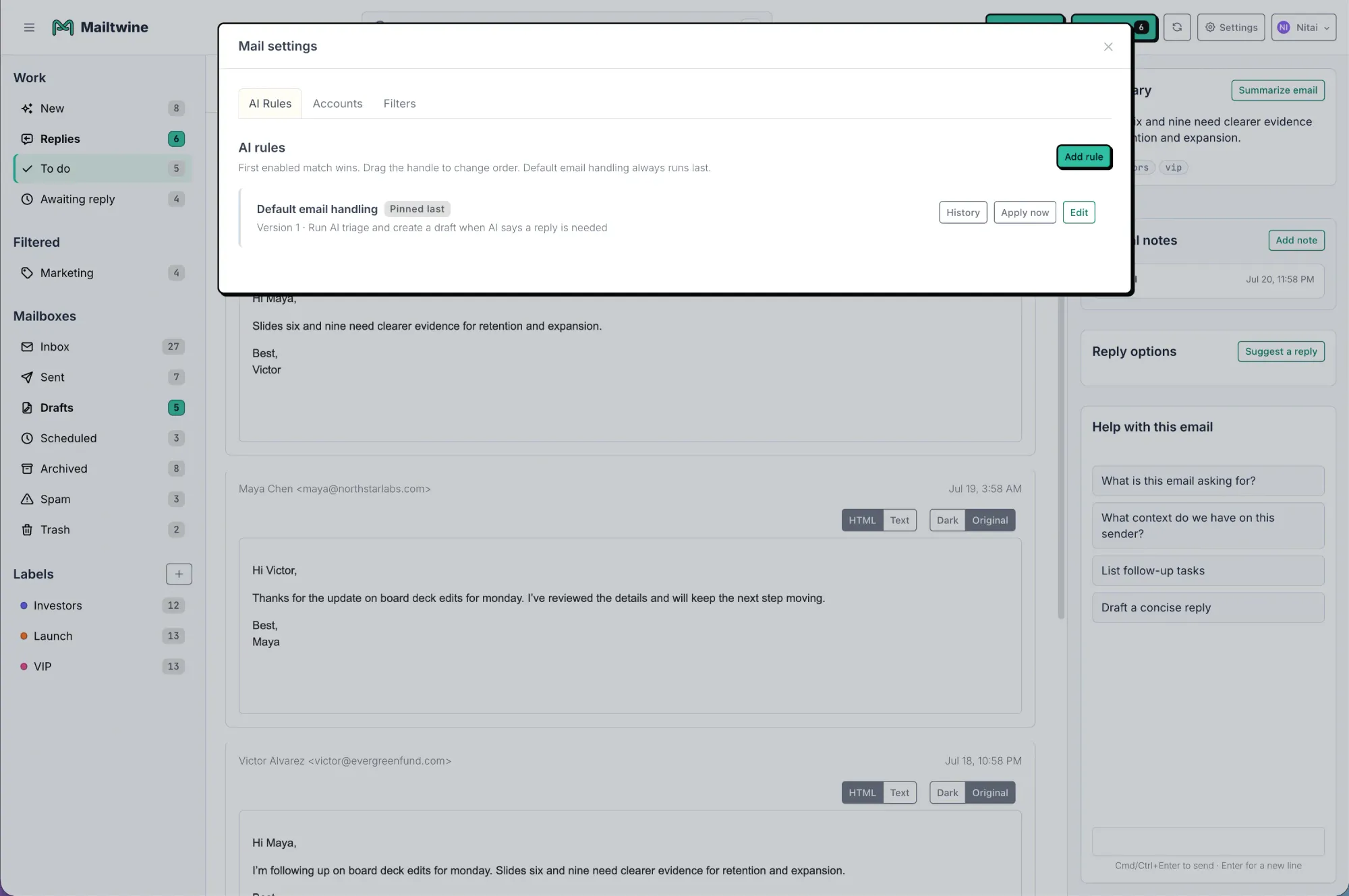
Mailtwine focuses on AI-assisted triage for teams. It helps classify and prioritize incoming mail, route work, and prepare drafts for review. That makes it useful when the problem is not just the number of emails, but the decisions hidden inside them: which request matters, who owns it, and whether a reply is ready to send.
For example, a support team using Helpmonks may need to distinguish a routine question from an escalation before assigning either one. A team using Fastmail or a standard IMAP mailbox may have the same need without wanting to replace its existing inbox. Mailtwine works with those environments, so the triage process can sit alongside the mail setup the team already uses. For more on the classification step, read how AI email triage handles sorting and priorities.
Review remains important. A draft can help an owner respond faster, but it should not invent a delivery date, refund decision, or technical resolution. Mailtwine does not send without approval by default; its pricing and product FAQ explains the approval model and available mailbox connections. Teams should decide which requests require a person to check the response, rather than treating every category as safe for unattended sending.
Start with one repeatable handoff
If your team already uses AI to sort email, the next step is not necessarily more labels. Pick one kind of request that regularly gets delayed after it has been identified, such as customer escalations or requests awaiting a status update. Then document what should happen to it.
A small workflow needs four decisions:
- Priority: What makes this request time-sensitive? Define the signals your team cares about, not just words such as "urgent."
- Ownership: Who should receive it, and who checks requests that do not match the usual categories?
- Reply review: What can be drafted from the thread, and which facts must an owner verify before sending?
- Follow-up: When should the thread return to the team's attention if the work is still open?
Test those decisions against real examples. Check whether the right person received the request, whether the suggested priority made sense, and whether the draft left out information the customer needed. When the process works for one request type, extend it to another.
If the first handoff is unclear, automation can move a message quickly to the wrong place. Keep an exception path for ambiguous or sensitive requests, and make it easy for a teammate to correct an AI assessment. The goal is a queue people can trust, not a queue no one has to inspect.
For teams planning the full sequence from intake to follow-up, how email automation works for busy teams covers the broader process.
Frequently asked questions
Is AI for email management the same as email workflow automation?
No. AI for email management helps interpret, organize, and prepare email work. Email workflow automation moves that work through steps such as routing, assignment, approval, and follow-up. The two work together when an AI assessment informs a process with a clear owner and next action.
Can AI send replies and manage follow-ups on its own?
That depends on the tool and the controls a team sets. A safer starting point is to let AI prepare a draft while a person reviews commitments and customer-specific facts. Follow-up reminders can keep unfinished requests visible, but someone still needs to own the outcome.