Email Triage for Shared Inboxes: From Intake to Ownership

A customer reports an outage to a shared inbox. Another asks for an invoice copy. A third follows up on a request that has already been assigned. Sorting those messages into folders may make the inbox look orderly, but it does not answer the questions the team needs to act on: Which one comes first? Who owns each thread? What happens next?
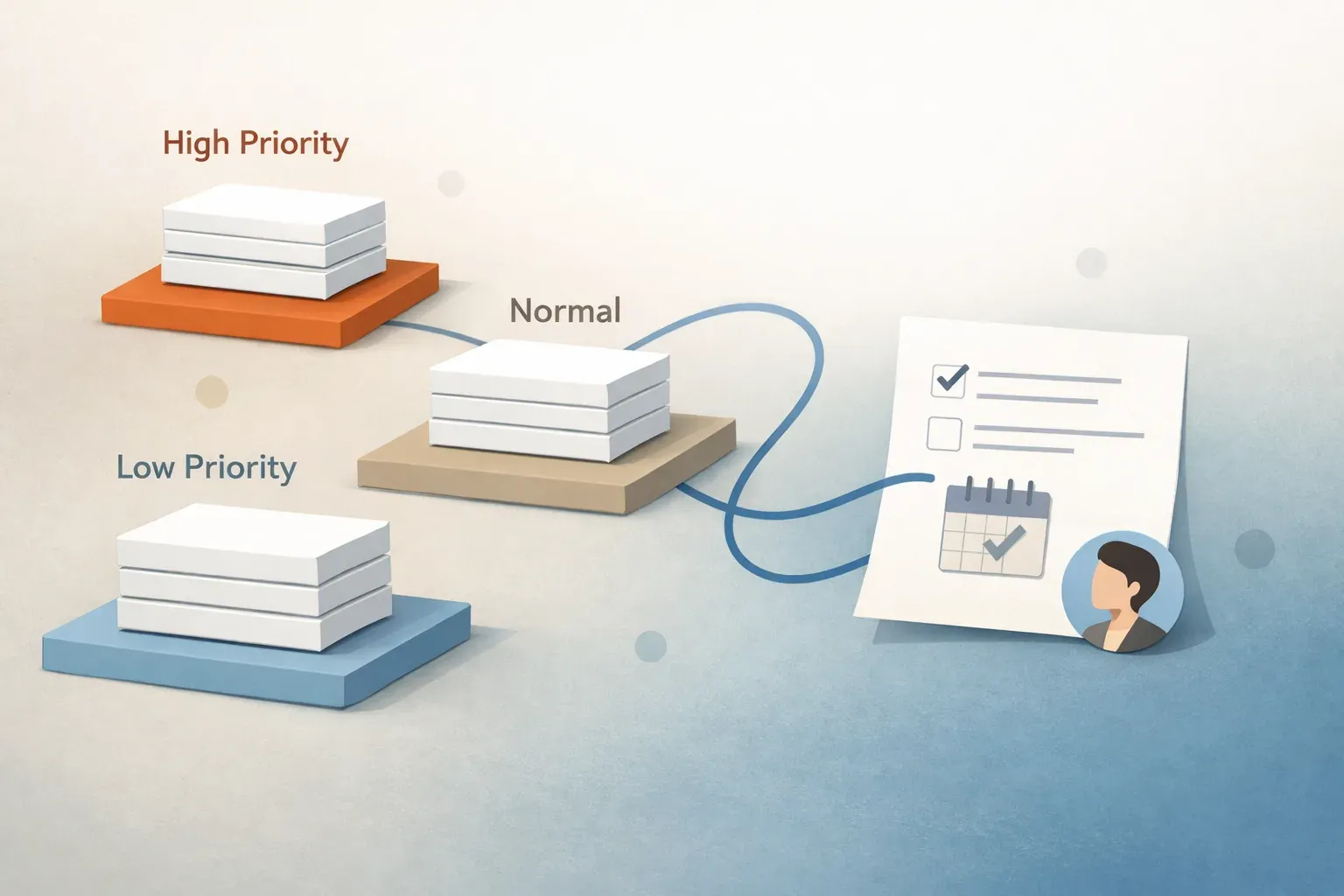
Email triage is the first-pass decision process that turns incoming messages into work a team can act on. It identifies what a message is about, how urgently it needs attention, who should handle it, and whether the next step is a reply, an internal action, a follow-up, or no action at all. In a shared inbox, triage should leave each active thread with a clear priority and owner, not just a label.
Email triage vs email automation
These terms describe different parts of the same workflow:
| Activity | Question it answers | Example |
|---|---|---|
| Sorting | Where does this message belong? | Label an invoice request as billing. |
| Triage | What needs to happen, how soon, and who is responsible? | Mark an outage report as urgent and identify the person responsible for responding. |
| Routing | Where should the work go? | Assign the invoice request to the billing queue. |
| Drafting | What could we say in reply? | Prepare an acknowledgment for a teammate to review. |
| Automation | Which repeatable steps can software carry out? | Apply a category, route a thread, or set a follow-up based on the team's workflow. |
Sorting and routing can be outputs of triage. Drafting can follow it. Automation can help perform any of those steps. But none of them, on its own, establishes that a team understands the request and has taken responsibility for it.
Take a message from a familiar customer with the subject line "Quick question." A sender-based rule might put it in a customer folder. Reading the thread may reveal that their service is unavailable and a deadline is approaching. Triage changes the priority and next action; sorting alone does not. For more on where rules fall short, see why email rules and folders fail.
What a useful triage decision includes
A shared inbox needs enough structure to prevent both missed messages and duplicate work. For each thread requiring action, the first pass should establish:
- Request and context. What is the sender asking for? Does earlier thread history change the meaning of the latest message?
- Priority. Is there a deadline, an active disruption, or another reason to act before routine requests? An all-caps subject line is a signal to inspect, not proof of urgency.
- Owner. Which person or team is responsible for the next step? "Everyone can see it" is not ownership.
- Next action. Does someone need to investigate, answer, approve a draft, wait for information, or schedule a follow-up?
- State. Is the thread new, being worked, waiting on another party, or complete?
The level of detail can stay small. A billing inbox may need only "invoice request," "routine," "billing owner," and "send document after verification." A customer escalation may require the account context, a named owner, and a review before any commitment is sent. The point is to make the next decision visible without making people fill out a form for every email.
How to triage a shared inbox without creating another queue
Start with a few categories your team can act on. "Billing," "support issue," and "sales inquiry" are useful only if each category points to an owner or a clear handling rule. If two teams routinely disagree about a category, define who makes the call rather than adding more labels.
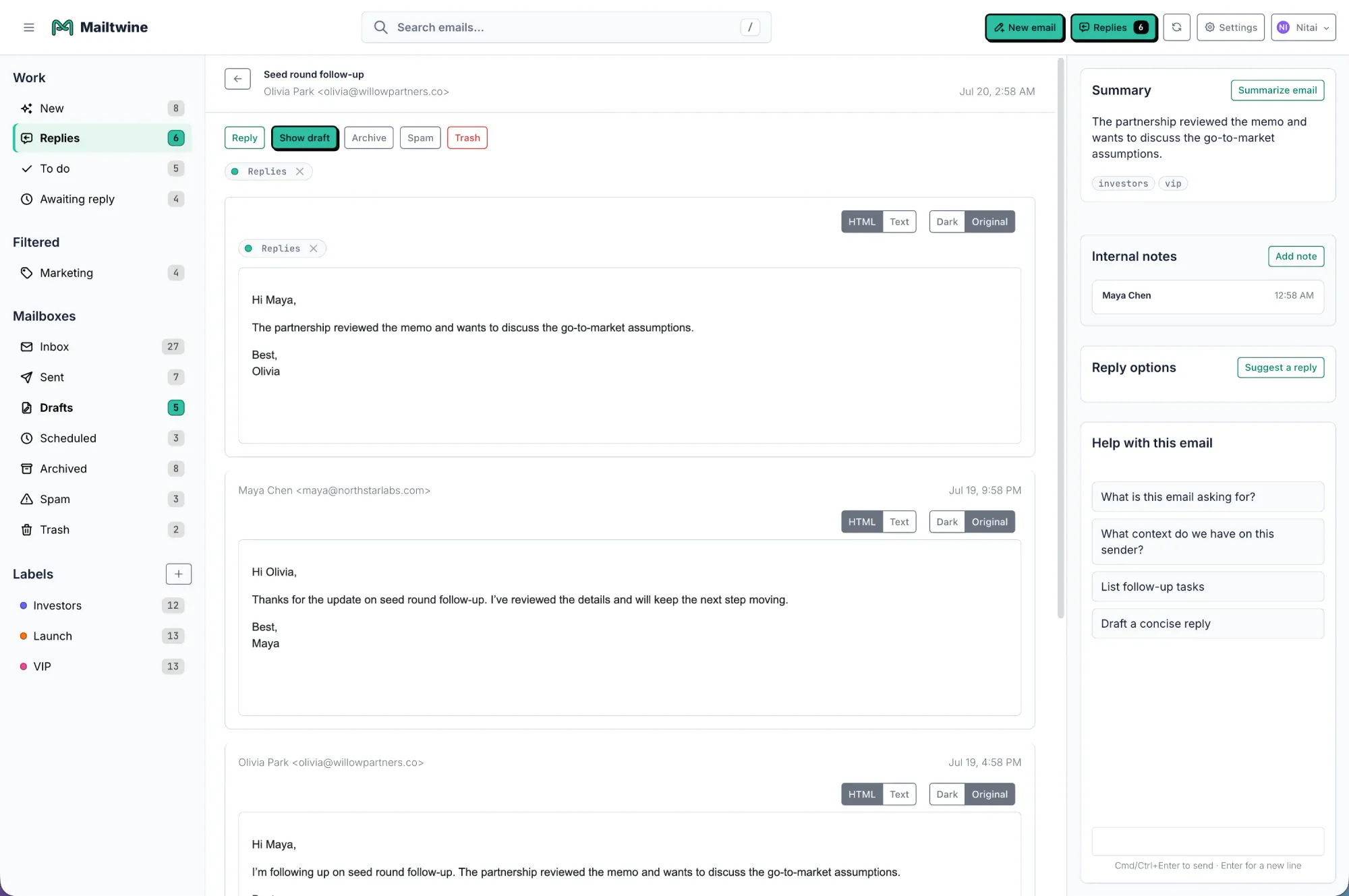
Next, agree on what changes priority. A reported outage, a time-sensitive customer issue, and a routine request for information should not wait in arrival order. Write down a few examples from your own mail so teammates apply the same standard. Mailtwine's email prioritization workflow is designed to bring important threads forward as part of triage.
Then decide what happens after assignment. The owner might answer immediately, investigate internally, request approval, or wait for a customer response. A thread that is waiting still needs a visible state and, when appropriate, a follow-up. Otherwise, moving it out of the new-message queue can hide unfinished work.
Finally, review the decisions that cause friction. Look at messages that were assigned twice, escalations that sat in a routine queue, and drafts that required substantial correction. Those examples tell you more about whether triage is working than the unread count does. If your team wants to map this full sequence, the AI email triage workflow in Mailtwine covers how prioritization, routing, drafting, and approvals fit together.
Where AI helps, and where people stay involved
AI can help with the repetitive first pass: interpreting a message's intent, identifying likely urgency, summarizing a long thread, and preparing work for the right queue. Mailtwine is built around that workflow. It helps teams classify and prioritize incoming mail, route work, and prepare replies for review while they continue using their existing mailboxes. It works with Helpmonks, Fastmail, and IMAP accounts; check current connection and approval details before planning a rollout around a specific provider.
A useful place to begin is a narrow request type with an obvious owner. For example, routine invoice-copy requests can be identified and directed to billing. Watch what happens when the same message also disputes a charge: the team should be able to correct the classification and handle the exception, rather than treating the original label as a final decision.
Keep human review where mistakes have consequences. An AI-prepared reply may save time, but a teammate should check account-specific facts and any promise made to a customer. Mailtwine drafts and routes for review by default; limited auto-send requires an admin-approved rule. How email automation works for busy teams explains the broader set of repeatable actions that can follow a triage decision.
The test for email triage is not whether every message has been moved somewhere. It is whether a teammate opening the shared inbox can tell what matters now, who owns the work, and what needs to happen next.