Email Assistant AI: What the Terms Mean and How an Intelligent Email Assistant Fits Into Team Workflows

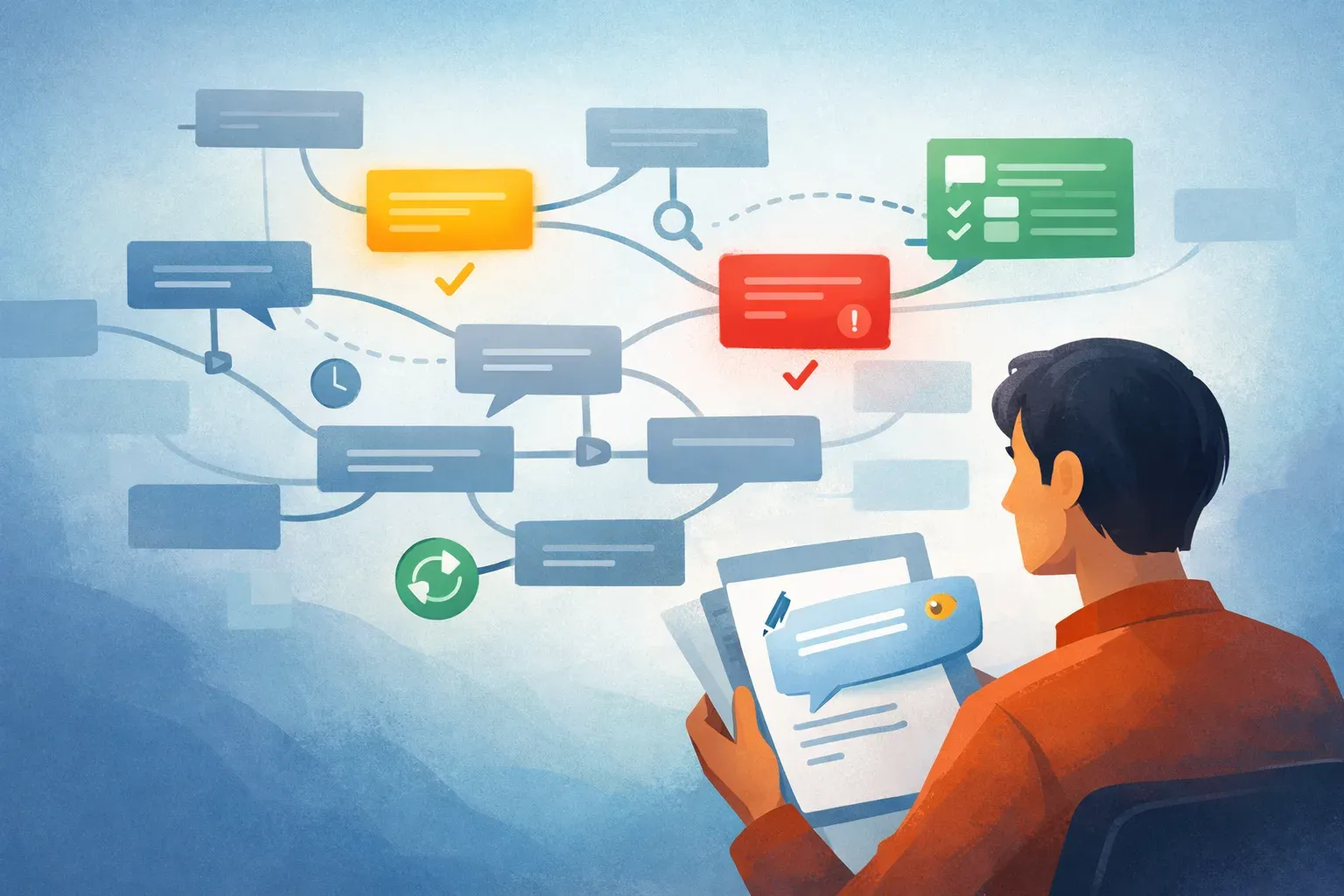
People use "email assistant AI" and "intelligent email assistant" to mean a few different things. Sometimes they mean a tool that drafts replies. Sometimes they mean a summarizer. For teams, the more useful version is a system that helps decide what to do with each message first.
That distinction matters. If a tool only helps write faster, the inbox still needs manual triage. If it helps prioritize, route, assign, and track ownership, then email becomes a managed workflow instead of a pile of messages.
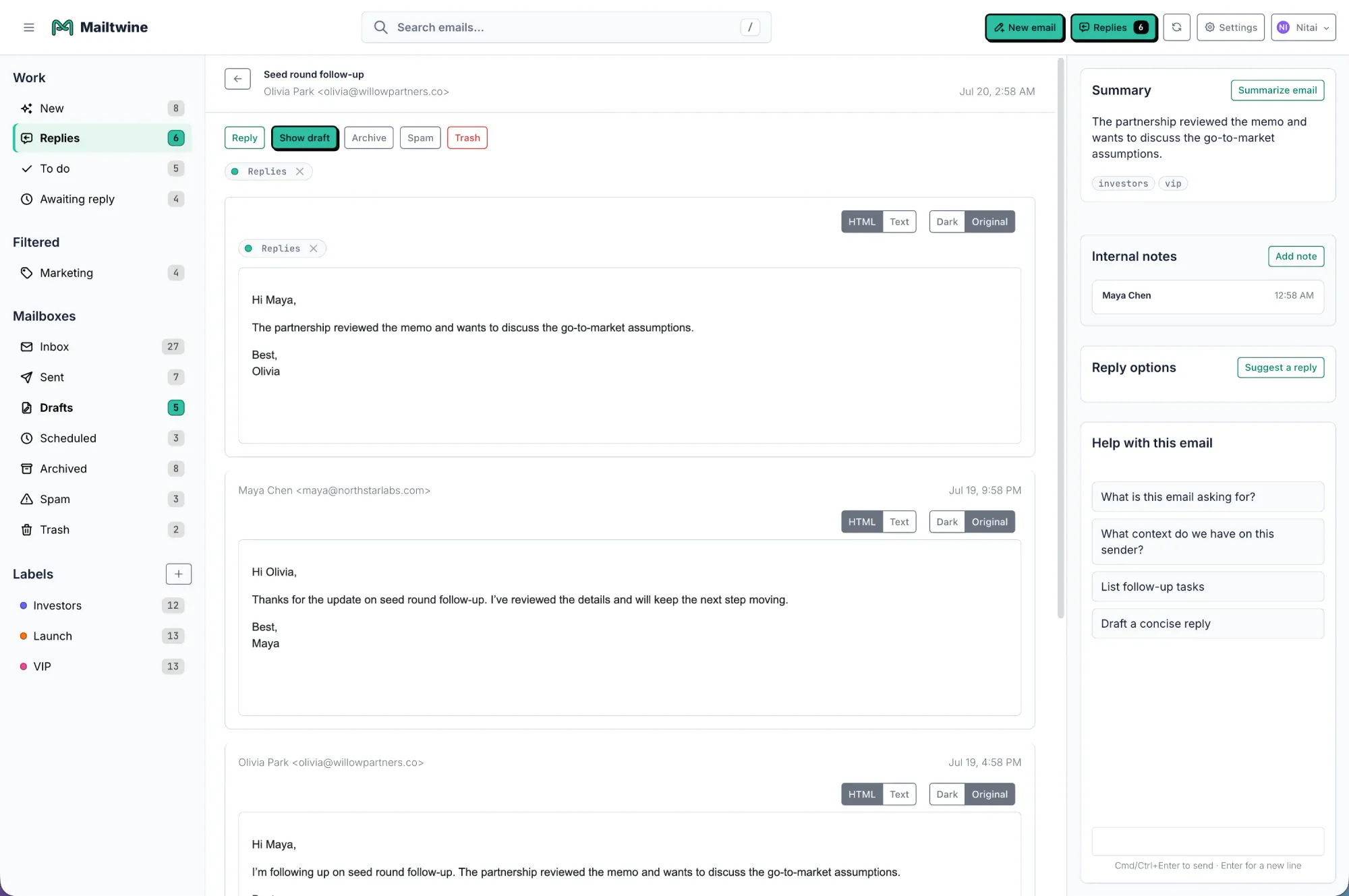
Mailtwine is built for that second use case. It is email triage software that helps teams turn incoming mail into clear action, while working with the mailbox they already use. It works natively with Helpmonks and Fastmail, and also supports IMAP, Microsoft 365 Office, and Google accounts.
What do people mean by "email assistant AI"?
"Email assistant AI" is a broad label for software that uses AI to help with email tasks. In practice, it usually covers one or more of these jobs:
- drafting replies
- summarizing long threads
- sorting or prioritizing messages
- suggesting next actions
- routing messages to the right person
The phrase is useful because it is familiar, but it can also hide a big difference in product design. An assistant may help one user respond faster. A team inbox system helps a group move work forward together.
That is where the term "intelligent email assistant" usually comes in. It suggests something more context-aware than a basic drafting tool. In a team setting, an intelligent email assistant should understand urgency, ownership, thread history, and what needs to happen next, not just what sentence to write.
Assistant versus triage system
The key question is not "Does it use AI?" The question is "What part of the email workflow does it actually improve?"
An assistant is best when the main problem is writing. A triage system is better when the main problem is deciding.
An assistant helps with response work
A typical AI email assistant may:
- draft a reply from a prompt
- summarize a long email thread
- rephrase a message
- help with tone or clarity
That can save time, especially for individual users. But if the inbox is shared, those features are only part of the job.
A triage system helps with operational work
A triage system goes further. It can:
- classify incoming mail
- prioritize urgent items
- assign ownership
- route messages to the right queue
- hold approvals where needed
- track the next action
That is the difference Mailtwine is built around. It does not just help write responses. It helps teams move from incoming message to clear ownership and next step.
What AI inbox management actually does
AI inbox management is the broader category behind most of these labels. It usually means using AI to reduce the manual work involved in inbox handling.
For teams, that work often includes:
- reading enough of the message to understand intent
- deciding whether it is urgent
- figuring out who should handle it
- drafting or routing the response
- keeping the thread tied to the right outcome
A good AI inbox management tool should reduce that review burden without hiding the work. Teams still need to see what happened, who owns it, and whether a reply needs approval.
Mailtwine focuses on that workflow layer. It helps turn the inbox into an action queue with triage, ownership, approvals, and automation, instead of treating email as a collection of isolated messages.
What to look for in an intelligent email assistant
If you are evaluating a tool with this label, the most important question is whether it helps with the full workflow or just the first draft.
1. It should understand context, not just keywords
A useful system should look at sender, thread history, urgency signals, and message content together. That matters because the same words can mean different things in different inboxes.
2. It should support routing and ownership
If multiple people share the inbox, the tool should make it clear who owns each thread. Without ownership, "assistant" features often create more coordination work, not less.
3. It should support approvals where needed
Not every response should be sent automatically. For customer-facing or sensitive threads, draft-and-review is often safer than full automation.
4. It should keep the thread connected to the action
Summaries are useful only if they help people act. A summary that does not show the issue, the status, the decision, and the next step is just a shorter version of the same problem.
5. It should fit the mailbox you already use
Adoption is much easier when you do not have to migrate mail to a new system. Mailtwine supports Helpmonks, Fastmail, IMAP, Microsoft 365 Office, and Google accounts, so teams can work inside their existing setup.
What makes Mailtwine different from a basic email assistant
Mailtwine is not positioned as a drafting helper with a few inbox tricks. It is a triage system built for team email operations.
That means it focuses on the work that happens before and around the reply:
- classifying incoming messages
- prioritizing urgent threads
- routing messages to the right person or queue
- drafting responses for review
- managing approvals
- keeping the mailbox synchronized
This matters because a lot of "AI email assistant" tools solve the wrong part of the problem first. They make it easier to type a reply, but the harder part is still deciding what the email is, who should handle it, and how quickly it needs attention.
Mailtwine is built for inboxes that need structure more than speed alone.
Email assistant AI for teams: where it helps most
The terminology matters most in team settings. A solo user might want help writing faster. A team usually wants consistency.
Here is where an intelligent email assistant is most valuable:
Support and service inboxes
Teams need urgent customer issues to surface first. A triage system helps route those messages quickly and keeps ownership clear.
Sales and pre-sales inboxes
Inbound leads should not wait in a shared pile. AI can help identify buying intent, route the message, and prepare a grounded draft so the team can respond faster.
Operations and billing inboxes
Questions about invoices, access, scheduling, or account changes often follow repeatable patterns. Workflow automation can route these messages to the right person and reduce handoffs.
Executive and mixed-mailbox workflows
Executives and operators often need a fast first pass, not just writing help. They benefit from prioritization, summaries, and clear next actions.
What is the difference between an AI email assistant and email automation?
This is one of the most common points of confusion.
An AI email assistant helps with individual email tasks, usually drafting, summarizing, or sorting.
Email automation is broader. It handles repeatable workflows like routing, tagging, approvals, reminders, and follow-up steps.
The strongest systems combine both. AI interprets the message, then automation applies the next action. That is the model Mailtwine follows.
It is also why "assistant" can be a misleading label on its own. A tool may help generate a reply, but if it does not manage ownership or routing, it is not helping with the real inbox workflow.
What useful email workflow automation looks like
Email workflow automation should move work forward, not just filter messages.
A practical team setup might look like this:
- urgent customer emails are surfaced first
- billing questions are routed to finance or ops
- draft replies are prepared for review
- SLA-sensitive threads are escalated
- outcomes are tracked so nothing disappears
That is the operational difference between a simple assistant and a system like Mailtwine. The goal is not to replace people. The goal is to remove repetitive triage work so people can focus on judgment calls.
How to choose between a drafting tool and Mailtwine
If you are deciding between a lightweight assistant and a triage platform, use the inbox itself as the test.
Choose a basic assistant if:
- you mostly need help drafting
- the inbox is owned by one person
- routing and approvals are not important
- speed matters more than shared accountability
Choose Mailtwine if:
- several people share the inbox
- messages need assignment or escalation
- approvals are part of the workflow
- you need a visible queue, not just a faster draft
- the mailbox must stay in place while the workflow improves
That distinction is the heart of the "email assistant AI" conversation. For individual writing help, a small tool can be enough. For operational inboxes, the assistant needs to become a system.
Frequently Asked Questions
What does "email assistant AI" mean?
"Email assistant AI" usually means software that uses artificial intelligence to help manage email tasks like drafting, summarizing, sorting, or routing. The label is broad, so the exact meaning depends on the product. For team inboxes, the most useful tools go beyond drafting and help manage ownership and triage too.
What is an intelligent email assistant?
An intelligent email assistant is a tool that understands more than just keywords. It can use thread context, sender details, urgency, and workflow rules to help decide what should happen next. In practice, that often means prioritizing, routing, summarizing, and preparing replies for review.
How is AI inbox management different from an AI email assistant?
AI inbox management is broader. An AI email assistant often focuses on one user or one task, like drafting. AI inbox management covers the full workflow: triage, prioritization, assignment, routing, approvals, and follow-up. Mailtwine is designed for the workflow layer.
What makes an AI email summarizer useful for teams?
A useful summary should include the main topic, current status, key decisions, action items, owners, and deadlines. If it does not show the next step, it will not help much with triage. Summaries are most valuable when they are tied to ownership and action.
What is the difference between an AI email assistant and email automation?
An AI email assistant helps with email tasks such as drafting or summarizing. Email automation handles repeatable steps such as routing, escalation, tagging, reminders, and approvals. Many teams need both together, because one interprets the message and the other moves the work forward.
The short version
If you are looking for "email assistant AI" or "intelligent email assistant" software, start by asking whether you need help writing or help managing the inbox.
Mailtwine is for the second case. It helps teams triage, route, prioritize, and approve email work inside the mailbox they already use. That makes it a better fit when email is not just communication, but an operating system for work.
If your inbox still depends on someone manually deciding what matters first, the next step is not a better draft. It is a better triage system.
See also: