How to Use AI to Manage Your Inbox: A Practical Guide
Email is still where customers, vendors, partners, and internal teams send work. The problem is that most inboxes were not designed for triage. They were designed to receive messages.
This guide explains how AI for email helps teams prioritize, sort, route, summarize, and respond to messages faster. It also covers the difference between basic email automation and AI-powered triage software, with practical use cases for teams handling shared inboxes or high-volume email workflows.
Why Traditional Email Management Fails
Most teams still manage email with manual review, folders, labels, and rules. That works when volume is low and messages are predictable. It breaks when inboxes become operational queues.
Common problems include:
- Every message looks equally important until someone opens and reads it.
- Manual sorting creates delays when one person has to decide where each email goes.
- Rules are too rigid because they depend on exact senders, keywords, or subject lines.
- Follow-ups get missed when messages are buried under newer emails.
- Shared inboxes lack ownership unless every email is assigned manually.
- Context gets lost across long threads, forwarded messages, and customer history.
- Teams waste time reading low-priority email before urgent work is handled.
The result is slow response time, inconsistent routing, and avoidable manual work.
What Is Email AI?
Email AI is software that uses artificial intelligence to understand, classify, prioritize, and assist with email workflows. Instead of relying only on static rules, email AI can analyze message content, intent, urgency, topic, sender context, and thread history.
Common email AI functions include:
- Automated email categorization
- AI email sorting by topic or urgency
- Inbox prioritization
- Smart reply suggestions
- Thread summarization
- Intent detection
- Auto-routing to the right team or person
- Follow-up reminders
- Workflow triggers based on message meaning
In short, AI for email helps teams move from “read everything manually” to “review what matters first.”
How AI for Email Changes Inbox Management
AI does not replace email. It changes how email gets processed.
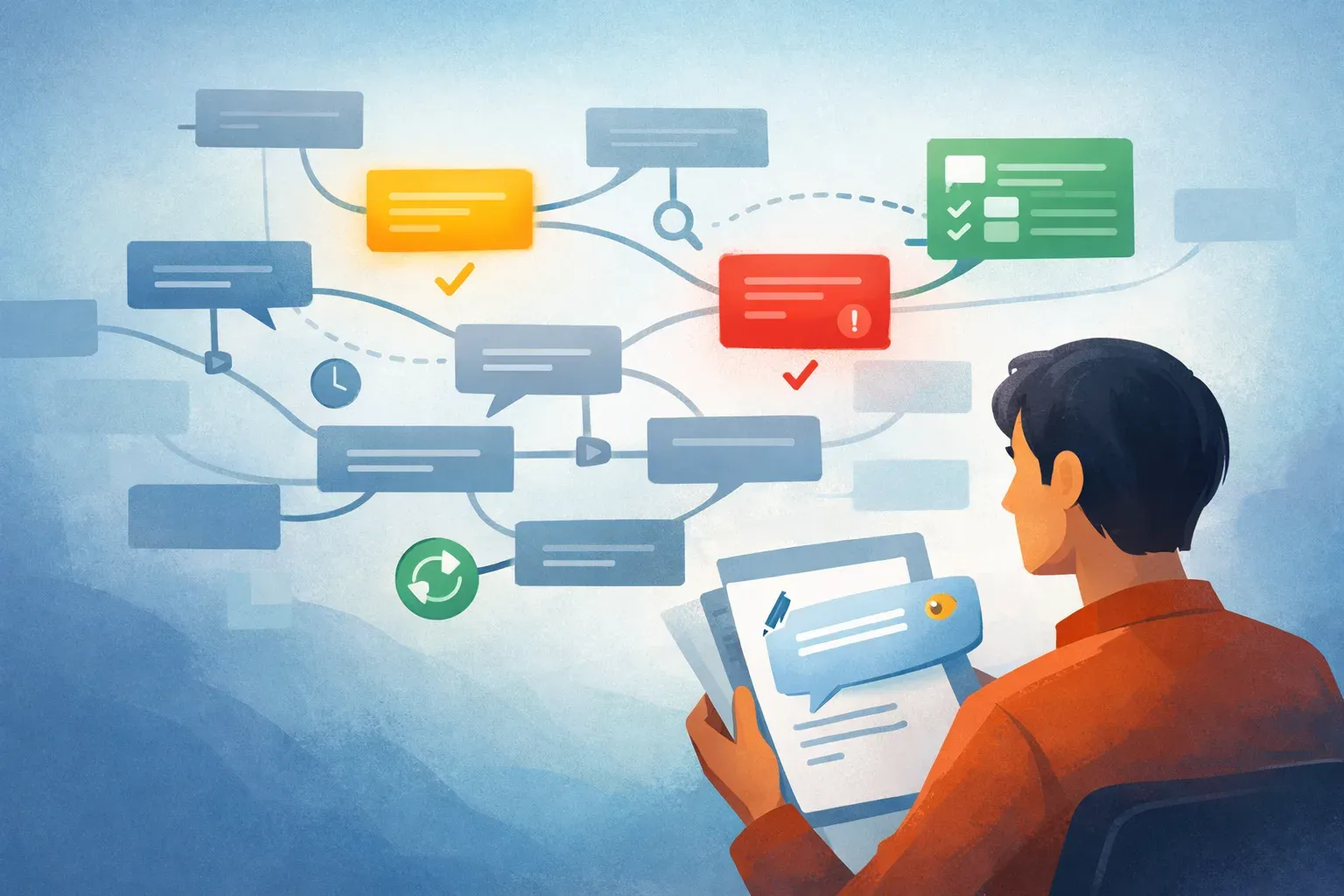
Instead of treating the inbox as a chronological list, AI turns it into a prioritized work queue. That matters because most email work is not about storage. It is about deciding what needs action, who owns it, and how quickly it should be handled.
From Chronological Inbox to Priority Queue
Traditional inboxes show the newest message first. That does not mean the newest message is the most important.
AI-powered email triage can rank messages based on:
- Urgency
- Customer importance
- Topic
- Sentiment
- SLA risk
- Request type
- Internal versus external sender
- Whether the message needs a response
This helps teams handle high-impact emails before routine updates, newsletters, or low-priority threads.
From Static Rules to AI-Powered Automation
Basic email automation depends on fixed instructions. For example:
- If sender is
billing@client.com, add the Billing label. - If subject contains “refund,” forward to Support.
- If email comes from a domain, move it to a folder.
These rules are useful, but limited. They fail when senders change wording, omit keywords, or combine multiple requests in one message.
AI-powered automation can classify email based on meaning, not just exact matches.
| Capability | Automation Rules | AI-Powered Email Automation |
|---|---|---|
| Classification method | Keywords, sender, subject line, fixed conditions | Message intent, topic, urgency, context |
| Best for | Predictable workflows | Variable, high-volume inboxes |
| Setup | Manual rule creation | Model-assisted classification and routing |
| Flexibility | Low | Higher |
| Risk | Misses messages that do not match rules | Needs review and tuning for accuracy |
| Example | Move all invoices to Finance | Detect billing questions, invoice issues, and payment disputes |
Bottom line: Rules are useful for simple routing. AI email automation is better when messages vary in language, structure, and urgency.
From Manual Reading to Thread Summaries
Long email threads create hidden work. Someone has to read the full chain, extract the current issue, and decide what changed.
AI can summarize threads into:
- Key request
- Latest status
- Open questions
- Action items
- People involved
- Deadline or urgency signals
This reduces handoff friction, especially in shared inboxes where multiple people may touch the same conversation.
From Generic Replies to Assisted Drafting
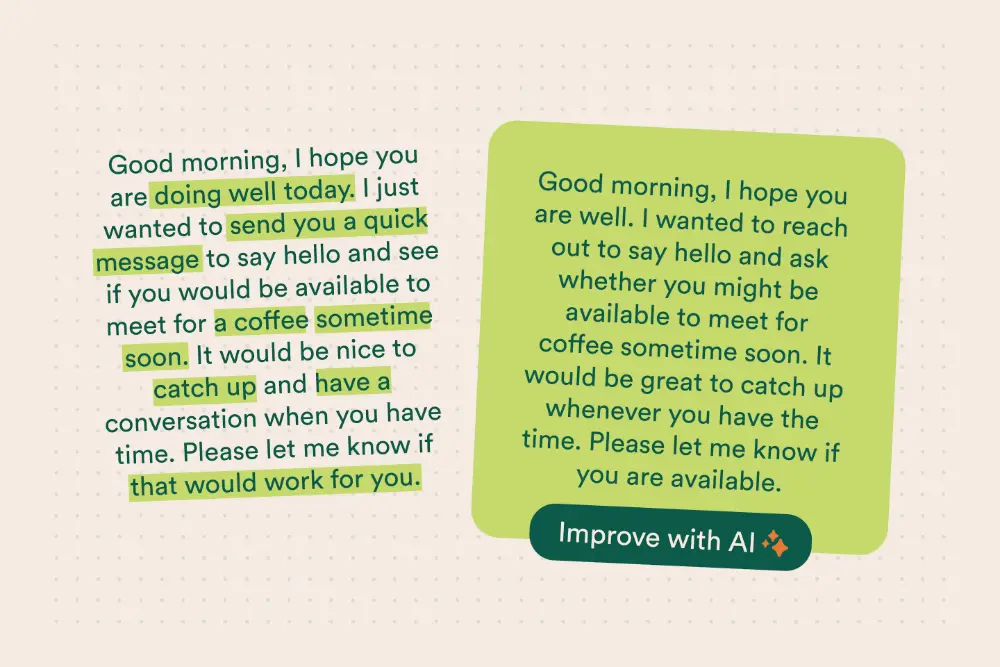
AI for email can draft replies based on message content, previous context, and the type of request. The human still reviews and sends the final message.
Good AI-assisted drafting can help teams:
- Respond faster to common questions
- Maintain consistent tone
- Reduce repetitive typing
- Include relevant details from the thread
- Avoid missing required information
This is useful for support, operations, account management, recruiting, finance, and vendor communication.
From Inbox Ownership Confusion to Team Routing
Shared inboxes often fail because ownership is unclear. A message arrives, several people see it, and no one knows who should respond.
AI email triage software can classify incoming messages and route them to the right queue or owner based on intent.
Examples:
- Contract questions go to Legal.
- Payment issues go to Finance.
- Product bugs go to Support.
- Renewal risks go to Account Management.
- Vendor onboarding requests go to Operations.
This reduces duplicate work and missed responses.

Where AI for Email Creates the Most Value
AI for email is most useful when the inbox is tied to business operations, not personal communication. The value comes from faster triage, cleaner routing, and fewer missed actions.
1. Customer Support Inbox Triage
Support inboxes often receive bug reports, billing questions, feature requests, complaints, and account access issues in the same queue.
AI can help by:
- Categorizing each message by issue type
- Ranking urgent customer issues first
- Detecting negative sentiment or escalation risk
- Routing messages to the right support team
- Summarizing long customer threads before reply
The workflow improvement is direct: support teams spend less time sorting and more time resolving.
2. Sales and Lead Response Prioritization
Sales inboxes contain qualified leads, low-fit inquiries, vendor pitches, meeting confirmations, and customer referrals.
AI for email can identify:
- New sales opportunities
- High-intent buying signals
- Requests for pricing
- Urgent prospect replies
- Existing customer expansion interest
Instead of reviewing every message in arrival order, sales teams can respond first to emails most likely to affect pipeline.
3. Finance and Billing Email Sorting
Finance teams receive invoices, payment confirmations, remittance details, vendor questions, tax documents, and billing disputes.
AI email sorting can:
- Separate invoices from questions
- Detect overdue payment issues
- Route vendor messages to accounts payable
- Route customer payment problems to accounts receivable
- Flag urgent billing disputes
This reduces manual labeling and keeps finance workflows moving.
4. Operations and Vendor Management
Operations inboxes often receive mixed requests from suppliers, contractors, facilities, logistics providers, and internal teams.
AI can classify messages by:
- Vendor
- Location
- Request type
- Urgency
- Required department
- Deadline
For example, a delivery delay and a routine vendor newsletter should not receive the same attention. AI triage helps operations teams separate work from noise.
5. Recruiting and HR Inbox Management
HR and recruiting teams handle candidate emails, interview scheduling, employee questions, onboarding documents, and policy requests.
AI can help:
- Sort candidate replies from internal HR questions
- Detect scheduling conflicts
- Route policy questions to HR operations
- Flag urgent employee issues
- Summarize candidate threads for hiring managers
This keeps time-sensitive messages from getting buried.
6. Executive and Admin Inbox Support
Executive assistants and administrative teams often manage high-volume inboxes where context matters.
AI for email can help by:
- Highlighting messages that need executive review
- Summarizing long threads
- Separating informational emails from action items
- Detecting scheduling requests
- Flagging messages from priority contacts
This supports faster decision-making without forcing someone to read every email manually.
How MailTwine Powers AI Email Triage
MailTwine is email triage software built to help companies process incoming email automatically with advanced AI features.
It is designed for teams that need more than folders, filters, and manual labels. MailTwine helps turn incoming email into an organized workflow by applying AI to triage, sorting, and routing.
MailTwine supports:
- AI-powered email triage: Prioritize and classify incoming messages automatically.
- Email sorting by context: Sort messages by topic, urgency, intent, and workflow need.
- Automated routing: Send emails to the right team or process based on what the message means.
- Reduced manual review: Cut down the time spent reading and labeling every message.
- Native Helpmonks support: Use MailTwine with Helpmonks workflows.
- Native Fastmail support: Connect MailTwine to Fastmail-based inboxes.
- IMAP support: Work with standard IMAP email accounts.
- Microsoft 365 support coming soon: Microsoft 365 office account support is planned.
MailTwine fits into a simple site architecture for teams evaluating this category:
- Learn the basics: What is email AI?
- Understand workflow automation: Email automation
- Improve inbox organization: Email sorting
- Compare solutions: Email triage software

Best Practices for Implementing AI for Email
AI email workflows work best when they are tied to clear business rules and measurable outcomes.
Use these steps before rolling out AI email triage:
- Define your triage categories first: Decide which labels, queues, teams, and priorities matter. Do not automate a messy process without naming the outcomes.
- Start with one high-volume inbox: Pick a shared inbox where manual triage is already slowing work down, such as support, operations, finance, or sales.
- Separate routing from response: Let AI classify and route first. Add AI-assisted replies after the team trusts the triage layer.
- Keep humans in approval loops: AI should reduce review work, not remove accountability. Use human review for sensitive, legal, financial, or high-risk messages.
- Measure before and after: Track response time, missed emails, manual sorting time, routing accuracy, and backlog size.
- Review edge cases weekly: Look for misclassified emails, unclear categories, and messages that need new routing logic.
- Combine rules and AI where useful: Use rules for predictable conditions and AI for intent, urgency, and context.
How to Use AI for Email
The process is straightforward:
- Choose the inbox to improve: Start with a shared or high-volume inbox where manual triage creates delays.
- Define categories and priorities: List the message types your team receives and decide which ones need fast action.
- Connect your email account: Use a supported system such as Helpmonks, Fastmail, IMAP, or Microsoft 365 when available.
- Apply AI sorting and triage: Let AI classify messages by intent, topic, urgency, or team ownership.
- Review and tune results: Check routing accuracy, update categories, and refine workflows based on real messages.
- Add automation triggers: Once classification is reliable, connect categories to routing, reminders, assignments, or response workflows.
The goal is not to automate every email immediately. The goal is to remove repetitive triage work first.
FAQ
What is AI for email?
AI for email is software that uses artificial intelligence to help manage email workflows. It can prioritize messages, sort emails by topic or urgency, summarize threads, draft replies, and route emails to the right person or team.
How does AI email sorting work?
AI email sorting analyzes message content, sender details, thread context, urgency signals, and intent. It then categorizes or prioritizes the email based on what the message is about, not only on keywords or sender rules.
What is email triage?
Email triage is the process of reviewing, prioritizing, categorizing, and assigning emails so the right messages get handled first. In business inboxes, triage helps teams reduce backlog and avoid missed responses.
How does AI improve email triage?
AI improves email triage by reading incoming messages at scale and identifying topic, urgency, sentiment, and intent. This helps teams sort and route emails faster than manual review.
What is the difference between email automation and email AI?
Email automation usually follows fixed rules, such as sender-based filters or keyword triggers. Email AI can interpret message meaning, classify intent, and adapt better to varied email language.
What should I look for in email triage software?
Look for prioritization, categorization, team routing, AI assistance, inbox integrations, auditability, and human review controls. The best email triage software should reduce manual sorting without making the workflow harder to manage.
Conclusion
AI for email is not about replacing the inbox. It is about fixing the manual triage layer that slows teams down.
When AI can prioritize, sort, summarize, and route incoming messages, teams respond faster and spend less time managing email mechanics. MailTwine brings that AI triage layer to company inboxes through Helpmonks, Fastmail, IMAP, and soon Microsoft 365.
Ready to reduce manual inbox work? Try MailTwine and turn incoming email into an organized workflow.