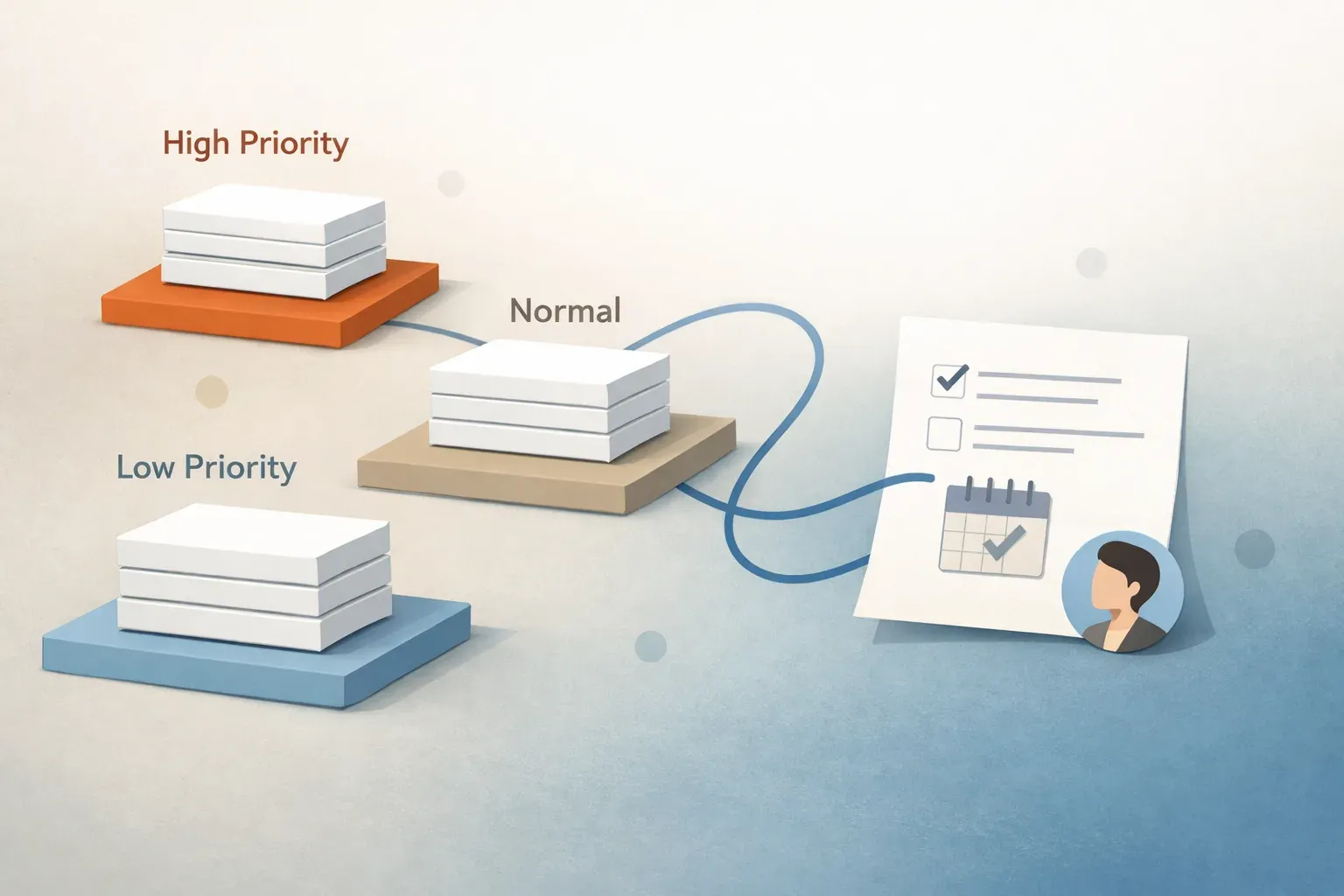
The Email Triage Matrix: How to Prioritize 100+ Emails a Day with the 4 Ds
Why Chronological Email Processing Destroys Productivity
Most knowledge workers process their inboxes in arrival order: opening whichever email arrived latest and deciding on the spot what to do. This is the single biggest productivity trap in modern communication.
Arrival order has zero correlation with importance. A high-priority escalation from your most important client lands in your inbox right next to a marketing webinar invitation, a company newsletter, and an automated software notification. When you treat them equally, you spend mental energy context-switching rather than doing high-value work.
The solution is email triage: borrowed from emergency medicine, triage is the practice of evaluating every incoming item by consequence and urgency before taking action. Here is the operational framework to master it.
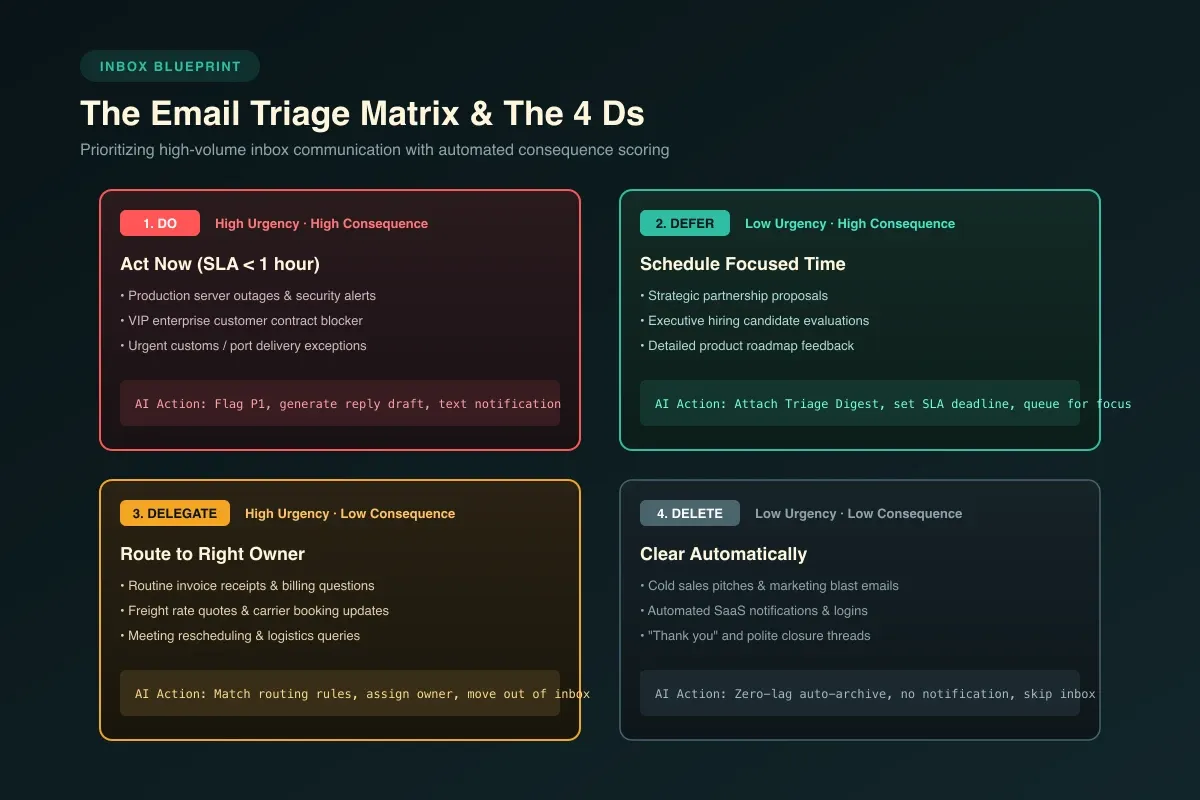
The Email Triage Matrix (Eisenhower for Inboxes)
The Eisenhower Matrix separates tasks into four quadrants based on urgency and importance. When adapted for incoming email, it creates a bulletproof decision filter:
Quadrant 1: High Urgency & High Consequence (Act Now)
Examples: Critical customer outages, production blockers, signed contracts awaiting countersignature, immediate shipping delays.
Action: Triage straight to the top of your queue (P1). Respond or resolve within 1 hour.
Quadrant 2: Low Urgency & High Consequence (Schedule & Focus)
Examples: Strategic partner inquiries, executive hiring candidates, quarterly planning documents, complex client proposals.
Action: Attach thread summaries, set an explicit deadline/SLA, and schedule dedicated focus time rather than writing rushed replies between meetings.
Quadrant 3: High Urgency & Low Consequence (Delegate & Route)
Examples: Meeting scheduling requests, vendor invoice status inquiries, routine paperwork updates, operational handoffs.
Action: Route to the assigned team member or department queue. Never let administrative logistics clutter an executive's focus.
Quadrant 4: Low Urgency & Low Consequence (Archive & Filter)
Examples: Cold outbound sales pitches, automated receipt notifications, marketing newsletters, "thank you" replies.
Action: Zero-lag archiving. These should never touch your primary notification stream.
The 4 Ds of Email Triage: Execution in Practice
Every message that enters your triage pass must leave in one of four states. Nothing is allowed to stay marked as "unread":
- Do: If an email requires a decision or answer that takes under two minutes, handle it immediately. With AI email triage software, contextual reply drafts are already written when you open the thread, reducing a two-minute email to a five-second review.
- Delegate: If the message is better handled by someone else, route it immediately with clear ownership.
- Defer: If the message requires deep work or research, assign an explicit follow-up timer or move it to a dedicated action queue.
- Delete / Archive: Clear informational noise immediately. Archiving keeps the thread searchable without cluttering your active view.
How AI Automates Steps 1 Through 4
The reason most productivity systems fail by Thursday is cognitive fatigue: sorting every email by hand takes an hour every morning. Modern AI triage systems automate classification, priority scoring, thread summarization, and draft replies behind the scenes. When you sit down, you open an ordered queue where decisions are already staged for your approval.