Email triage: what it is and how Mailtwine helps teams do it faster

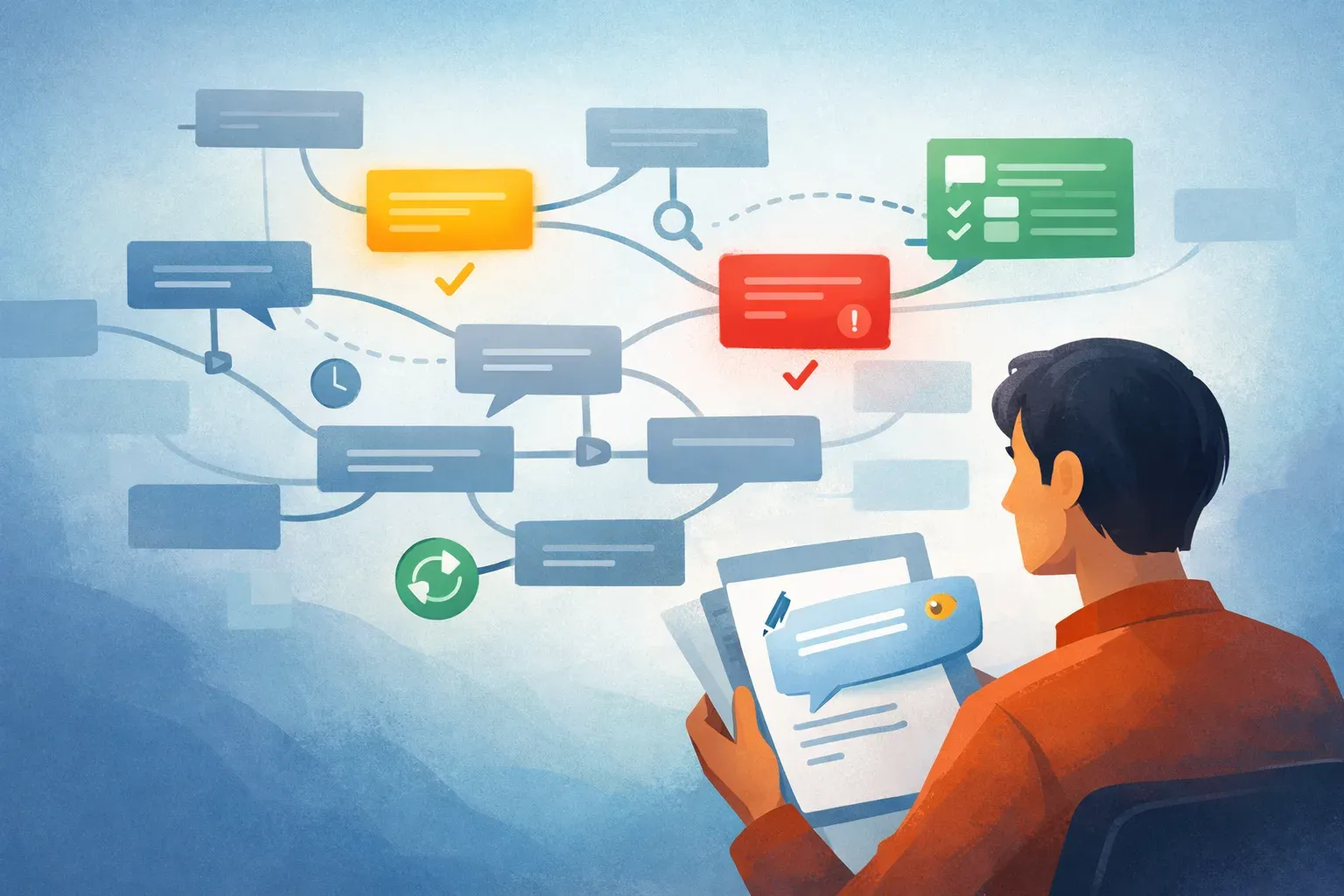
Email triage is the process of turning an inbox full of mixed messages into a clear order of work. Instead of reading every email as if it needs an immediate reply, you decide what is urgent, what can wait, who should own it, and what the next action should be.
For teams, that matters because the inbox is usually not just a communication channel. It is where customer issues, sales replies, approvals, internal requests, and follow-ups all arrive together. Mailtwine is built for that kind of inbox. It helps companies triage emails automatically with advanced AI features, while working natively with Helpmonks, Fastmail, IMAP, and Microsoft 365 accounts.
If you want the broader workflow view, you can also read about how to triage email with AI and email triage software. If you are comparing related concepts, email prioritization and email command centers are the next places to look.
What is email triage?
Email triage is the first-pass decision layer for an inbox. It answers four simple questions:
- What is this message about?
- How urgent is it?
- Who should handle it?
- What happens next?
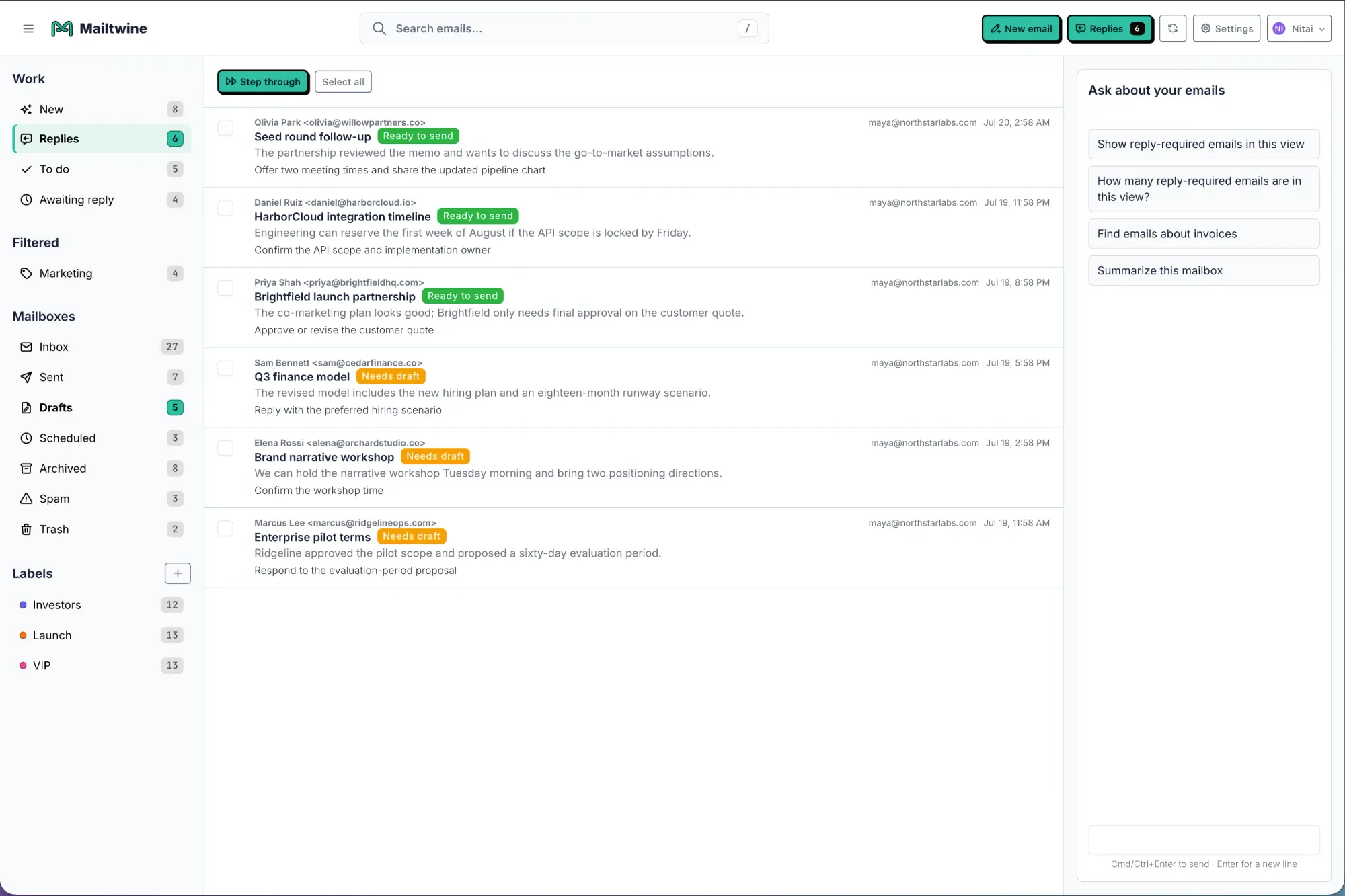
That first pass is where AI helps most. A triage system can classify incoming mail, summarize long threads, route messages to the right person, draft a reply, or queue an approval. The point is not to replace judgment. The point is to remove the repetitive work that slows teams down before they can act.
Mailtwine focuses on this operational layer. It is not just a drafting helper or a personal inbox assistant. It is designed for triage, prioritization, routing, drafting, and approvals inside the mailbox your team already uses.
Why teams need triage before automation
Most inbox problems are decision problems, not typing problems. A team wastes time when someone has to open the same thread three times just to figure out whether it is urgent, who owns it, and whether a reply is even ready to send.
That is why triage comes before automation. If the system cannot tell you the next step, it cannot help much with the work itself.
A useful triage workflow should:
- Surface urgent items first
- Attach context to each thread
- Assign or suggest ownership
- Draft the next reply when needed
- Hold sensitive actions for review
That structure keeps work moving without forcing everyone to manually sort every message. Mailtwine is built around that sequence, so teams can move from inbox clutter to a queue with visible status.
How Mailtwine handles email triage
Mailtwine helps teams triage email automatically with AI that can work across different mailbox environments. It supports Helpmonks, Fastmail, and standard IMAP, with Microsoft 365 support through Microsoft OAuth.
Here is what that looks like in practice:
Prioritize incoming email
Not every message deserves the same attention. Mailtwine can help identify what should move to the top of the queue based on intent, urgency, sender context, and thread history. That is useful when one inbox contains customer escalations, routine questions, internal requests, and follow-ups all at once.
Summarize long threads
Long threads are a common triage bottleneck. Instead of rereading the full conversation, teams can use summaries to see the current status, key points, and likely next action. That makes it easier to decide whether the thread needs a reply, an assignment, or an escalation.
For a deeper look at this part of the workflow, see AI email summarization.
Route messages to the right person
Email triage gets more useful when it does not stop at prioritization. Mailtwine can help route messages based on topic, ownership, or workflow rules, so the right person sees the right thread sooner. That is especially important in shared inboxes where manual handoffs create delays.
Draft replies with context
Drafting matters, but only after the message has been triaged. Mailtwine can help prepare grounded replies so a teammate starts from a useful draft instead of a blank page. This is a better fit for support, success, operations, and account teams than a generic writing assistant.
Support approvals
Some replies should not go out automatically. Mailtwine supports approval-based inbox operations, which means teams can review drafts before sending when the message is sensitive, high-value, or customer-facing. That keeps human oversight in place where it matters.
Who email triage helps most
Email triage is useful anywhere inbox work has an operational cost. In practice, that usually means teams rather than individual users.
It helps most when:
- Several people share one inbox
- Messages need to be assigned, not just answered
- Reply speed matters
- Ownership changes often
- A thread needs context before action
- Some replies require review or approval
That is why Mailtwine fits support teams, customer success, sales ops, executive operations, and mixed-mailbox environments so well. It is meant for inboxes that need a system, not just a nicer way to read mail.
If you want a broader overview of the workflow, email automation for busy teams and AI email management are good companion reads.
Email triage vs. email automation
These terms often get mixed together, but they are not the same.
- Email triage decides what a message means and what should happen next.
- Email automation applies repeatable actions to move work forward.
Triage is the front end of the workflow. Automation is what you do after the message has been understood. The strongest setups use both together. AI interprets the message, then rules or workflows apply the next step.
That distinction matters because many tools only automate one small task. They might summarize, draft, or filter, but still leave the team to do the real sorting manually. Mailtwine focuses on the full loop: classify, prioritize, summarize, route, draft, and escalate.
How to tell if your inbox needs triage software
You probably need email triage software if any of these sound familiar:
- Important emails get buried under routine ones
- People reply to the same thread more than once
- Follow-ups are missed because ownership is unclear
- The team spends too much time deciding what to answer first
- Managers have no easy way to review sensitive replies
- A shared inbox feels more like a backlog than a queue
If that is your situation, the problem is not inbox volume alone. It is the lack of a first-pass system. Mailtwine gives you that system without forcing a mailbox migration.
Why Mailtwine is different from a basic email assistant
A basic AI email assistant usually helps with one task, often drafting. That can be useful, but it is only part of the job.
Mailtwine is built for teams that need:
- Explicit ownership
- Priority signals
- Routing rules
- Approval steps
- Thread context
- Support for mixed mailbox setups
That makes it closer to an operational layer than a writing helper. It is especially relevant if your inbox is part of customer service, account work, or internal coordination.
You can see that positioning in related pages like AI inbox management software comparison and AI email assistant for Outlook.
A practical way to think about triage
The easiest way to think about email triage is this: every thread should end up in one of three states.
- Handle now: urgent or time-sensitive messages that need immediate attention
- Handle next: important items that need assignment, a draft, or a short review
- Hold or defer: messages that can wait until the right person or moment
When teams use that model consistently, inbox work becomes easier to manage. The queue is clearer. The next action is visible. And fewer messages fall through the cracks.
That is the kind of workflow Mailtwine is built to support.
Frequently Asked Questions
What is email triage in simple terms?
Email triage is deciding which emails matter most, who should handle them, and what should happen next. It is the step that turns an inbox from a pile of messages into an organized work queue.
How does AI help with email triage?
AI helps by reading message context faster than a human can. It can identify urgency, summarize threads, suggest ownership, draft replies, and route messages to the right person or team. That reduces the manual sorting work that slows inbox management down.
Is email triage the same as email automation?
No. Email triage is the decision layer, while email automation is the action layer. Triage figures out what a message means and what it needs. Automation carries out repeatable steps after that decision is made.
Does Mailtwine work with my current mailbox?
Mailtwine works natively with Helpmonks, Fastmail, and standard IMAP, with Microsoft 365 support through Microsoft OAuth. The goal is to improve your existing mailbox setup instead of forcing a migration.
What kind of teams use email triage software?
Teams that share inboxes or need fast ownership changes get the most value. That includes support, success, sales, operations, and executive teams that need messages prioritized, routed, drafted, and approved in one workflow.
What is the first step to better email triage?
Start by deciding what "urgent" means for your team. Once priority, ownership, and next actions are clear, software like Mailtwine can help apply those rules consistently across incoming mail.
If your team is still spending too much time deciding what to answer first, email triage is the place to start. Mailtwine helps turn that decision into a repeatable workflow, so the inbox becomes a queue your team can actually work from.