How to Turn Email into a Prioritized Action Queue

An overflowing inbox is rarely just an email problem. It is a prioritization problem: urgent customer questions sit beside newsletters, internal updates, automated notifications, and conversations that need a reply later. AI email management helps teams sort that volume into a workable order without first manually reviewing every message.
Mailtwine is email triage software built to classify incoming email automatically with AI. It works natively with Helpmonks, Fastmail, IMAP accounts, and Outlook, helping teams focus on the messages that require attention rather than spending the first part of every day sorting the inbox.
What is AI email management?
AI email management is the use of artificial intelligence to organize, prioritize, and route email based on its content, sender, context, and likely next action.
Instead of treating every incoming message as equally important, an AI system can help identify which conversations are urgent, which belong in a routine workflow, which contain a task, and which can wait. The goal is not to remove human judgment. It is to give people a cleaner starting point for that judgment.
For a support, operations, or shared-inbox team, AI email management can include:
- Prioritizing time-sensitive customer messages
- Sorting newsletters and automated notifications away from action items
- Identifying conversations that need a reply, follow-up, or assignment
- Grouping similar requests into categories
- Summarizing long threads before someone reads the full history
- Moving repeatable messages into defined email workflows
This is different from simple filtering. Traditional rules need precise conditions, such as a sender address or a subject-line keyword. AI triage can assess the meaning and context of a message, which is useful when customers describe the same problem in many different ways.
Email triage: the first job of AI inbox management
Email triage is the process of reviewing incoming messages and deciding what needs attention now, what can wait, and what belongs elsewhere.
Without a triage process, teams often work from the top of the inbox down. That approach gives equal weight to an urgent account issue, a calendar notification, and a marketing email. It also makes it easy for older messages to disappear below new arrivals.
AI-supported email triage creates an action queue instead. Rather than asking, “What arrived most recently?”, the team can ask, “What needs a decision or response first?”
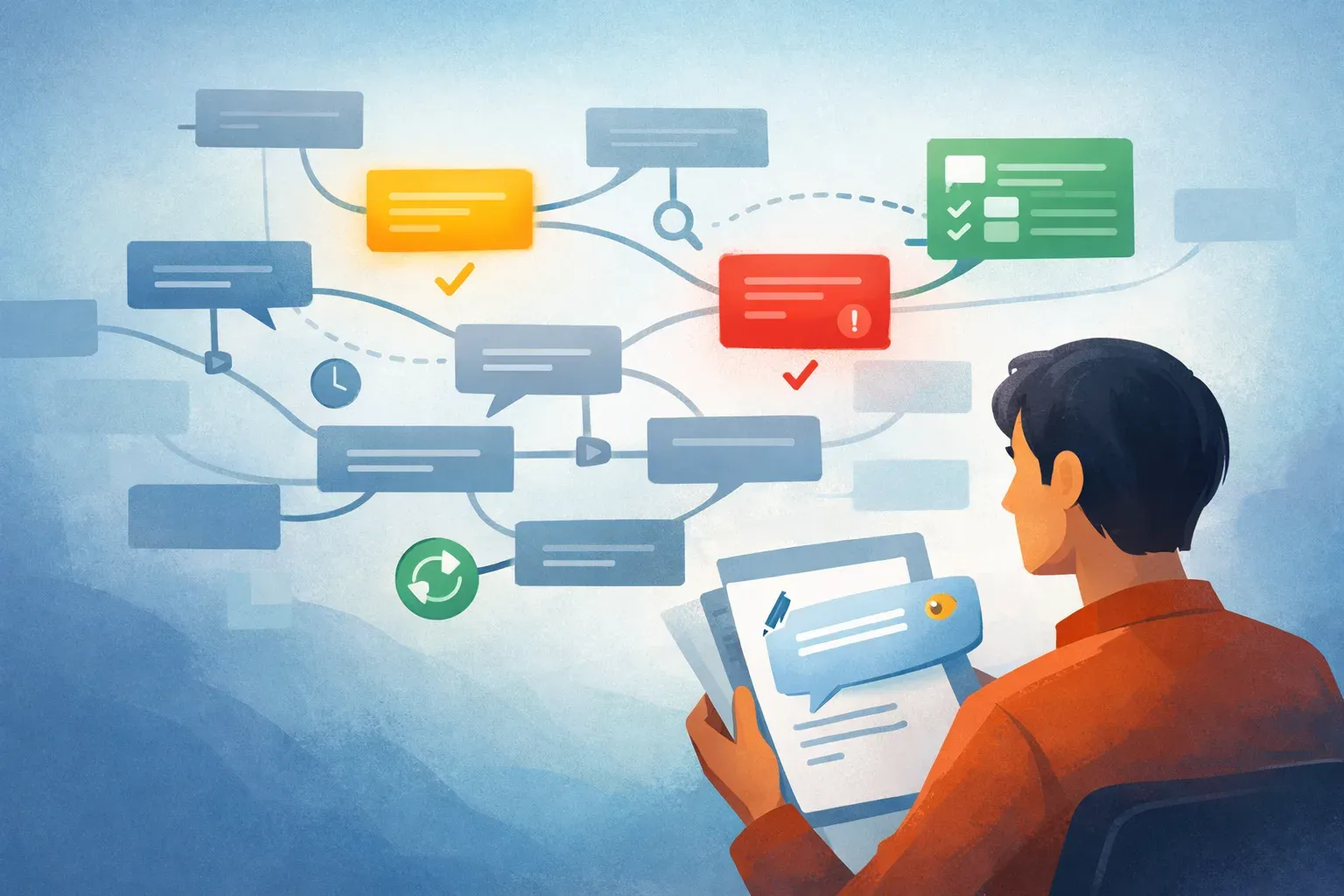
A practical triage workflow might look like this:
- Email arrives in a shared inbox or connected account.
- AI reviews the message content and context.
- The message is categorized or prioritized, such as urgent customer issue, task, routine request, automated notification, or newsletter.
- The team starts with the high-priority queue instead of scanning every unread message.
- Messages that need follow-up are routed into the right workflow so they do not depend on someone remembering them later.
For example, a Fastmail inbox may receive a payment issue from a customer, a supplier update, a product feedback email, and several automated notifications within minutes. The payment issue should not wait because it happened to arrive between lower-value messages. AI triage helps surface that distinction earlier.
For a closer look at the process, read Email Sorting: How AI Triage Turns Busy Inboxes Into Action Queues.

What an AI email assistant does
An AI email assistant helps people handle the work around email, not only read messages faster. Depending on the tool and configuration, it may prioritize senders, suggest next actions, summarize threads, categorize requests, or help draft a response.
The useful question is not whether a tool has “AI.” It is what decisions it can help your team make consistently.
For inbox management, the most useful assistant capabilities tend to be:
| Capability | What it helps with |
|---|---|
| Priority detection | Brings urgent or high-impact messages forward |
| Classification | Groups messages by topic, request type, or workflow |
| Task identification | Flags conversations that need a reply, decision, or follow-up |
| Thread summaries | Reduces the time needed to understand a long conversation |
| Routing and automation | Sends repeatable messages to the right queue or process |
Mailtwine focuses on the triage part of this work: automatically sorting email so a team can see what should be handled first. That is especially useful for companies where a shared inbox is a source of customer requests, operational work, and internal coordination.
A good AI email assistant should support your existing habits rather than force people into a completely new communication system. Start with the message types that consume the most review time or create the biggest risk when missed.
AI email summarizer: when a short brief is more useful than a full thread
An AI email summarizer condenses a long email conversation into the facts a reader needs to act: the request, relevant history, decisions already made, open questions, and next step.
Summaries are most useful when a thread has changed hands, a colleague has been away, or a customer has replied several times over days or weeks. They can help a teammate get context before responding, but they should not replace reading the original message when details matter.
A useful email-thread summary should answer:
- Who is involved?
- What is the customer, partner, or colleague asking for?
- What has already happened?
- Is there a deadline or urgency signal?
- What action is still open?
- Who owns the next response?
For example:
Summary: Customer is unable to access their account after a billing change. Support confirmed payment was received but has not restored access. Customer needs access before their team meeting tomorrow at 10 a.m.
Next action: Verify account status and reply with an access update.
The quality standard is actionability, not brevity alone. A two-sentence summary that leaves out a deadline can be less useful than a five-sentence summary that makes the next move obvious.
Email workflow automation starts after prioritization
Automation works best after the inbox has been organized. If every incoming email is treated the same way, automated actions can create more noise or send the wrong message into the wrong process.
Once messages are categorized, repetitive work becomes easier to define. Email workflow automation may include:
- Sending billing questions to the finance queue
- Marking product feedback for review by the product team
- Separating newsletters from messages that need a response
- Creating a follow-up task when a customer request needs more information
- Assigning a recurring request type to a defined owner
- Flagging messages that have not received a response within a set period
The key is to automate clear, repeatable decisions and retain human review for exceptions. A team should not automate a workflow merely because it is possible. It should automate the parts where the category, routing rule, and desired outcome are understood.
Email Automation for Busy Teams: What It Is and How It Works explains how to identify those repeatable steps without losing control of customer communication.

AI email assistant for Outlook: check compatibility before you commit
Many teams look for an AI email assistant for Outlook because Microsoft 365 is central to their work. Compatibility should be a selection requirement, not an assumption.
Mailtwine is currently designed to work natively with Helpmonks, Fastmail, and IMAP accounts. Microsoft 365 Office account support is planned soon. Teams using Outlook or Microsoft 365 should confirm current availability, setup requirements, and the inboxes they need to connect before building a workflow around a tool.
The same principle applies to any email platform: test the assistant with the shared inbox, permissions, categories, and message volumes your team actually uses.
How to choose the best AI email assistant for your team
The best AI email assistant is the one that solves a real inbox bottleneck without adding another place for the team to work.
Use these questions to evaluate options:
- Does it improve prioritization?
Look for a tool that can distinguish urgent, actionable messages from routine traffic. - Can it handle your email environment?
Confirm support for your provider, shared inbox setup, and account type. - Can you control the categories and workflows?
Teams need to understand why messages are sorted a certain way and adjust the process as needs change. - Does it save time at the point of review?
A useful tool reduces scanning and manual sorting. It should not create a second inbox that requires equal attention. - Does it support human oversight?
AI should help the team make faster decisions, while people retain control over sensitive replies, exceptions, and customer commitments.
Mailtwine is a fit for teams that want to make inbox triage more consistent and reduce the manual sorting that happens before useful work can begin.
For more context on the broader role of AI in an inbox workflow, see AI for Email: How to Use Artificial Intelligence to Manage Your Inbox.
Frequently asked questions
What is AI email management used for?
AI email management is used to prioritize incoming messages, categorize requests, identify tasks, summarize long threads, and route repeatable emails into workflows. It helps teams spend less time scanning an inbox and more time responding to the messages that matter.
Can AI manage a shared inbox?
Yes, AI can help manage a shared inbox by sorting messages by urgency, topic, or likely owner. The team should define clear categories and review the results, particularly for customer-sensitive, legal, financial, or unusual requests.
Is AI email triage better than email rules?
AI triage can handle more variation than fixed email rules because it can assess message meaning and context. Rules still have a place for predictable messages, such as system notifications from a known sender. Many teams use both: rules for simple routing and AI for messages that require interpretation.
Does Mailtwine work with Outlook?
Microsoft 365 Office account support is planned soon. Mailtwine currently works natively with Helpmonks, Fastmail, and IMAP accounts. Confirm current compatibility before choosing an AI email management workflow for an Outlook-based team.
What should I automate in an email workflow?
Automate repeatable, low-risk steps such as categorizing routine messages, routing known request types, separating newsletters, and flagging follow-ups. Keep people involved when a message requires judgment, a sensitive response, or an exception to the normal process.