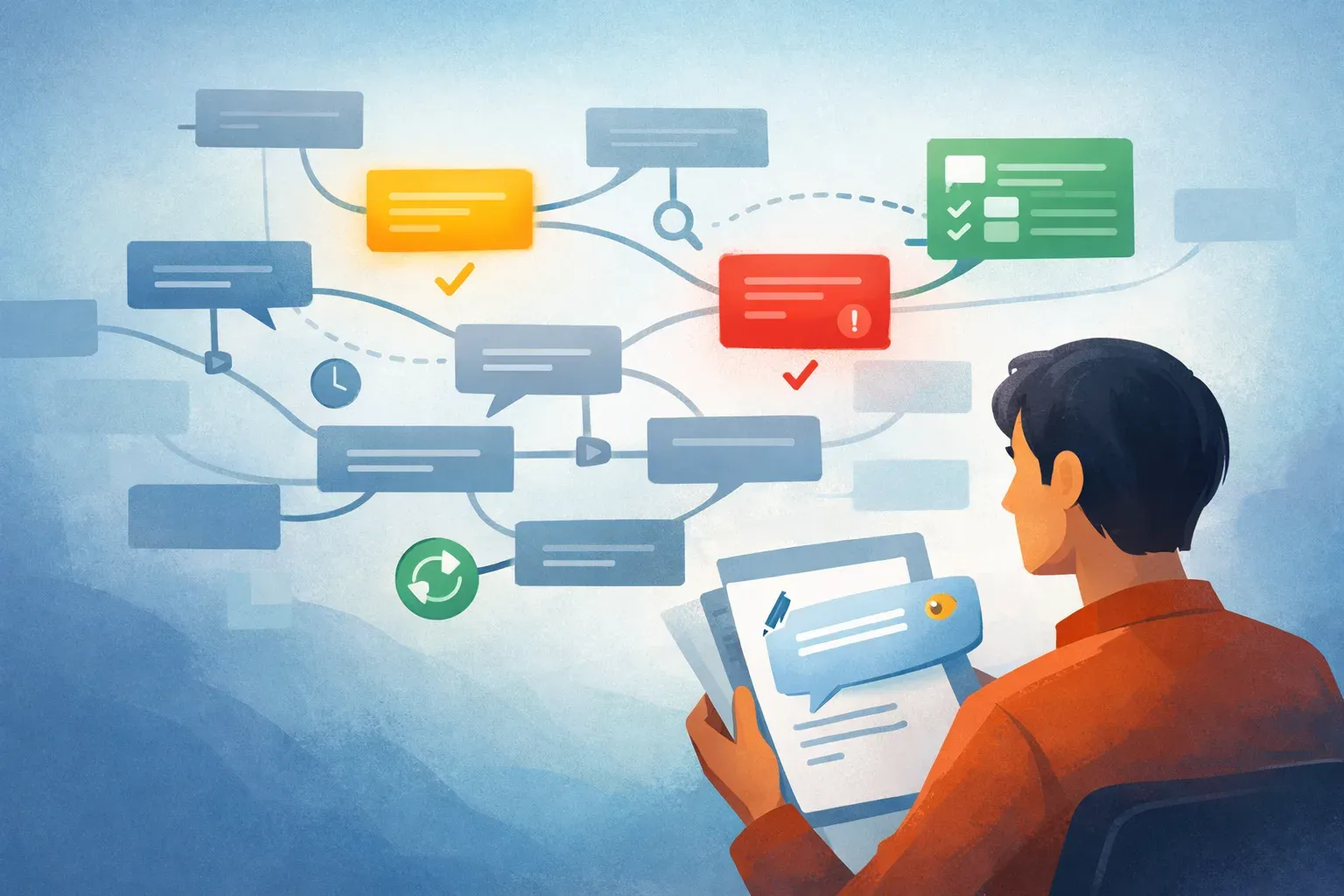
How an AI Email Triage Workflow Works in Mailtwine

Email triage is the part of inbox work that most teams already do, even if they do not call it that. Someone opens the inbox, scans new messages, decides what needs a reply, what should be routed, what can wait, and what can be archived. The problem is that this process is often manual, inconsistent, and stuck in the same inbox that also holds everything else.
Email triage is the process of sorting incoming mail into respond, route, archive, defer, or ignore so your inbox becomes an operational queue, not a to-do list.
That definition matters because it separates triage from generic inbox cleanup. A clean inbox can still be a bad workflow if every message still depends on a person to read, interpret, and assign it. AI changes that by taking over the repetitive first pass, so the human only handles the decisions that need judgment.
Mailtwine is built for that exact handoff. It helps companies automatically triage email with AI features that prioritize, draft, route, approve, and defer messages within the mailbox they already use. It works natively with Helpmonks, Fastmail, and IMAP, with Microsoft 365 support coming soon.
What email triage actually means
Email triage is not the same as “getting through your inbox.” It is a decision process.
A triaged inbox usually has five outcomes for every incoming message:
- Respond: send a reply now or prepare a draft for approval
- Route: assign the email to a teammate or shared queue
- Archive: remove the message from active work because it is done
- Defer: keep it visible, but postpone action until later
- Ignore: safely dismiss noise, duplicates, or irrelevant mail
When this process is manual, the inbox becomes a bottleneck. People spend time rereading old threads, deciding whether something is urgent, and copying the same context into replies. Teams also end up with inconsistent handling because each person triages differently.
AI email triage changes the process by doing the first sorting pass automatically. Instead of forcing a human to inspect every message, the system can identify likely priorities, generate a draft, suggest routing, and hold messages for approval when needed.
Who email triage helps most
Email triage is useful anywhere the inbox is part of the job, not just a place to receive messages.
Shared inbox teams
Support, operations, sales, partnerships, and admin teams usually deal with shared inboxes or role-based addresses. In these cases, a single message may require routing, context gathering, and follow-up. Email triage software helps reduce the delay between arrival and ownership.
Busy individual inboxes
Even a single inbox can become a queue of tasks, follow-ups, and reminders. If your day starts with scanning 200 unread emails, triage gives you a way to separate signal from noise before you start replying.
Teams that need approval before sending
Some teams do not want AI to send anything directly. They want AI to prepare the draft, gather context, and surface the right action, then leave the final send decision to a person. Mailtwine supports that workflow, which makes it a fit for teams that want speed without losing control.
Teams using existing mailbox infrastructure
A lot of tools try to replace the inbox. Mailtwine is different. It syncs with the mailbox you already have, so the work happens in your real email system rather than a separate destination.
That matters for adoption. Teams usually want less switching, not more.
How AI changes email triage
Traditional triage is slow because it depends on reading first and deciding second. AI changes that order.
Instead of opening every thread and manually asking, “What is this, who should handle it, and what do I do next?”, AI can perform the first pass in seconds. In practice, that can mean:
- identifying which messages need attention now
- drafting replies for review
- routing messages to the right person or queue
- summarizing long threads so the next action is obvious
- deferring lower-priority messages without losing them
- keeping the inbox synced with real mailbox actions
That is the core of AI inbox management. The goal is not to make email disappear. The goal is to turn email into a managed workflow.
Mailtwine is designed around that idea. It acts like an AI email assistant in the inbox, with a command-center-style workflow for prioritization, drafting, routing, and approvals.
AI inbox management explained
AI inbox management means using AI to handle the repetitive parts of inbox work before a person steps in.
In Mailtwine, that workflow centers on a few actions:
- Prioritization: surface what matters first
- Drafting: prepare a reply based on the message and context
- Routing: assign messages to the right teammate or inbox
- Approvals: let a human review before anything is sent
- Deferral: move lower-priority items into a later action queue
This is different from simple filtering. Filters can sort by sender or keyword. AI inbox management considers context, intent, and the likely next action. That makes it useful for threads that are too complex for rules alone.
How Mailtwine handles triage in the real mailbox
Mailtwine is email triage software built for teams that want automation without replacing their mailbox.
It works natively with:
- Helpmonks
- Fastmail
- IMAP
- Microsoft 365 soon
That native approach matters because it keeps the workflow close to the inbox people already use. Replies, drafts, and triage actions land back in the real mailbox, reducing the risk of split systems or duplicated work.
Mailtwine is also built around a command-center model. Instead of treating inbox work as a pile of messages, it treats it as an operational queue. That makes it easier to manage shared inboxes, approval loops, and recurring email work.
If you want the commercial overview, the best place to start is the email triage software page. For platform-specific setup, see Gmail email triage and Outlook email triage.
How to set up email triage without overcomplicating it
You do not need a huge automation project to get value from AI triage. A simple rollout is usually enough to show the difference.
1. Define what gets triaged
Start by deciding which inboxes or message types should enter the triage loop. For example, you might begin with a shared support inbox, a partnerships inbox, or your own daily overflow.
2. Choose the actions you want AI to take
Not every team wants the same level of automation. Some want prioritization only. Others want drafting, routing, and approvals. Mailtwine is useful because it supports a staged rollout, allowing you to add more automation once the team is comfortable.
3. Keep the human approval step where it matters
The fastest workflow is not always the safest workflow. For customer replies, vendor requests, or sensitive topics, approval keeps AI useful without making it risky.
4. Use summaries for long threads
When threads get long, a summary can be the difference between acting now and leaving the message unread. AI email summarizer behavior is especially helpful when the original thread contains multiple replies, attachments, or internal back-and-forth.
5. Measure whether the queue is getting smaller
The point of triage is not “more AI.” The point is faster handling, fewer missed messages, and a more stable inbox. If messages are being routed faster and fewer items are left untouched, the system is working.

Email workflow automation is the bigger category
Email triage is one part of email workflow automation.
Workflow automation covers the repeatable steps that happen after a message arrives:
- decide whether it matters
- assign it to the right owner
- draft a response if needed
- wait for approval when required
- follow up later if the message should be deferred
That is why Mailtwine also fits the language of an email workflow automation tool. It is not just helping you sort mail. It is helping you move work through the inbox with fewer manual handoffs.
If you are comparing tools, that distinction is important. Some products stop at filters or labels. Others focus on drafting only. Mailtwine is closer to an inbox management system, combining routing, prioritization, and response prep into a single workflow.
Inbox management software versus a point tool
People often search for inbox management software when what they really need is a way to reduce inbox chaos without moving their email stack.
A point tool might do one thing well, like prioritization or summarization. Inbox management software should help you manage the full flow:
- see what matters first
- decide who owns the message
- draft the next response
- keep the thread tied to the source mailbox
- avoid extra copying between tools
Mailtwine’s position is stronger when you think about it this way. It is not just an AI email assistant. It is inbox management software for teams that need action routing and shared mailbox control.
Outlook-specific email triage matters
Outlook users often have a different problem from Gmail users. They may be dealing with shared business mailboxes, internal approvals, or a mailbox setup that cannot easily absorb another add-in-heavy workflow.
That is why the Outlook page needs to be explicit. If you are using Outlook, the question is not just “Can AI help?” It is “Will it work with my mailbox setup, and will I need to change how my team already works?”
Mailtwine’s Outlook email triage page should answer that directly. The setup language should make it clear how Outlook connects, what actions AI can take, and how the workflow differs from workflows in tools that rely on more complex add-ins or migrations.
Common ways teams use AI email assistant workflows
When people search for an AI email assistant, they usually want one of three outcomes:
- faster response drafting
- less manual sorting
- better handling of shared inboxes
Mailtwine fits that search intent because it behaves like an assistant inside the inbox, not a separate layer on top of it. It can prioritize messages, draft replies, route work, and pause for approval.
That also makes it a practical fit for teams searching for:
- AI email assistant
- AI email assistant Outlook
- AI for email management
- email assistant AI
- intelligent email assistant
These phrases all point to the same core need: to keep the inbox moving without requiring people to do every step manually.
What to look for in email triage software
If you are evaluating email triage software, focus on the workflow, not the buzzwords.
A useful product should be able to answer these questions:
- Can it work inside our existing mailbox?
- Can it prioritize messages based on context?
- Can it draft replies without sending them automatically?
- Can it route messages to the right person or queue?
- Can it handle shared inboxes as well as individual mailboxes?
- Can it support approval before send?
- Can it keep actions synced to the real mailbox?
Mailtwine is built to cover that set of needs. That is why the product pages emphasize triage, command center behavior, and native mailbox support rather than only “AI features.”
Frequently Asked Questions
What is email triage?
Email triage is the process of sorting incoming email into clear next actions, such as respond, route, archive, defer, or ignore. It helps turn an inbox from a long list of messages into a working queue. In a team setting, that means faster ownership and fewer missed messages.
What is AI inbox management?
AI inbox management is the use of AI to prioritize, draft, route, and defer email work automatically. Instead of manually reading every message first, the system handles the first pass and leaves judgment calls to people. That makes it easier to keep shared inboxes moving.
What is email workflow automation?
Email workflow automation is the use of rules and AI to move email through repeatable steps, such as assignment, drafting, approval, and follow-up. It goes beyond filtering because it helps complete work, not just sort it. Mailtwine uses this approach to support inbox operations inside the mailbox itself.
What does an AI email summarizer do?
An AI email summarizer turns a long thread into a shorter version that shows the key points and likely next action. That is useful when messages have many replies or when the important detail is buried in a long conversation. Summaries can speed up triage by helping the user decide what to do next.
Does Mailtwine work with Outlook?
Mailtwine supports Outlook-focused triage workflows and is building toward Microsoft 365 support. The Outlook-specific page is the best place to check for the latest setup and workflow details. It is designed to capture Outlook users who want an AI email assistant without changing their existing mailbox flow.
Is Mailtwine an AI email assistant?
Yes. Mailtwine works as an AI email assistant to prioritize, draft, route, and approve messages in your existing inbox. It is designed for teams that want email help without moving to a separate email system.
The short version
If your inbox is full of messages that need sorting before they need replies, you need email triage. If your team wants AI to help with that work inside the existing mailbox, Mailtwine is built for it.
For the commercial overview, start with email triage software. For setup and use-case detail, move next to How to Triage Email with AI, then check the Gmail and Outlook pages for platform-specific workflows.