What Is an AI Email Assistant?

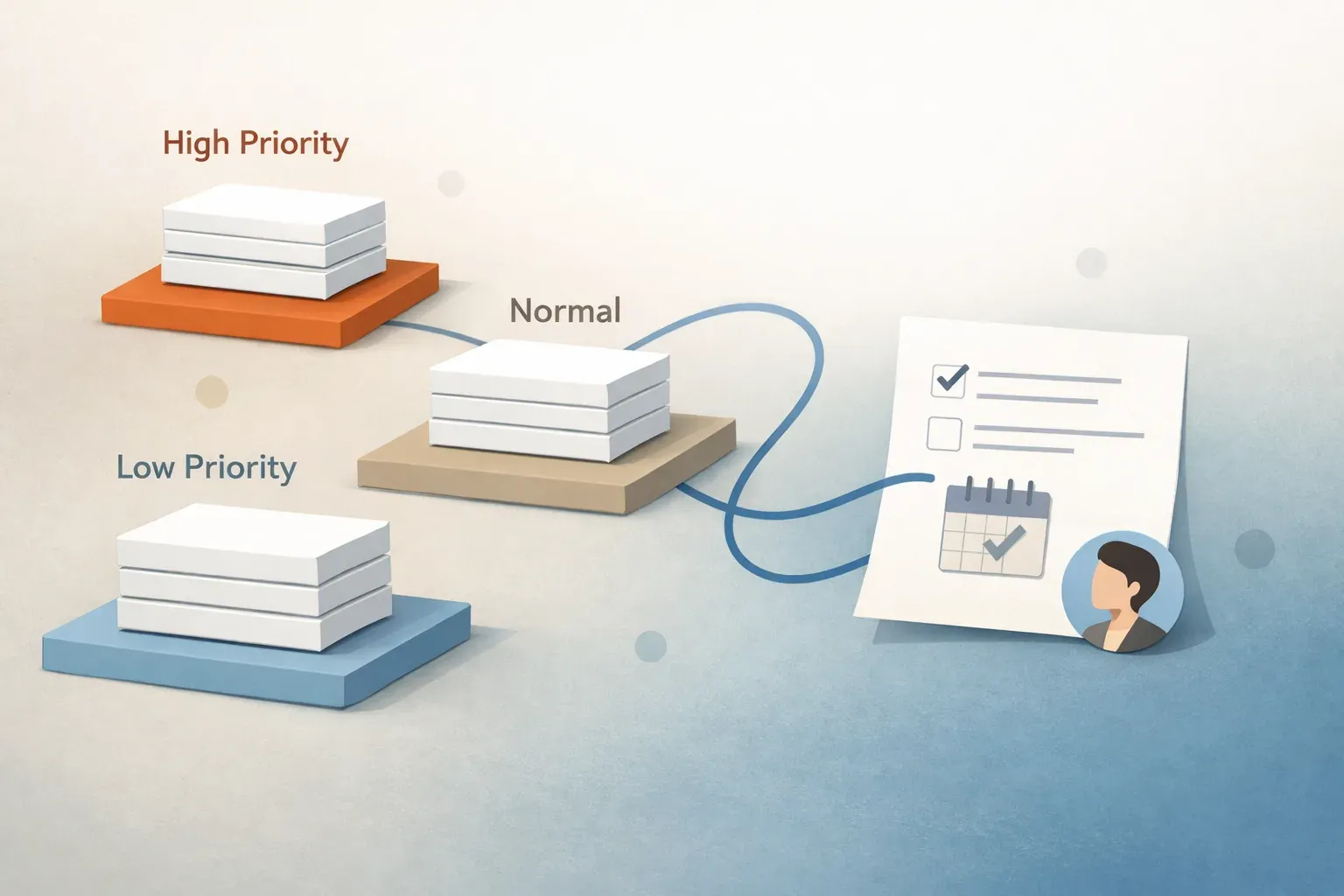
An AI email assistant is software that helps you manage email work with artificial intelligence. In practice, that can mean drafting replies, summarizing threads, sorting messages, prioritizing urgent items, and routing emails to the right person or team.
The label sounds simple, but the useful part is what the tool actually does with inbox work. Some AI email assistants mainly help one person write faster. Others help a team move messages through a workflow with triage, approvals, and ownership. Mailtwine is built for the second case: it helps companies turn email into a clearer action queue.
What an AI email assistant does
A real AI email assistant usually sits somewhere between a smart inbox helper and a workflow tool. It can reduce the time spent reading, deciding, and replying, especially when email volume is high.
Common capabilities include:
- Drafting replies from a prompt or a thread
- Summarizing long conversations into the key points
- Prioritizing messages by urgency, topic, or likely importance
- Classifying email into categories or queues
- Routing messages to the right owner, team, or inbox
- Supporting approvals before a reply is sent
- Keeping context attached to the thread so the next person does not start from scratch
The best tools do not stop at writing. They help answer the more important question: "What should happen next?"
AI email assistant vs email triage software
These terms overlap, but they are not identical.
An AI email assistant is a broad label. It may focus on drafting, summarizing, sorting, or a mix of tasks.
Email triage software is narrower and more operational. It is designed to review incoming mail, decide what matters, and move it toward the right next step.
That difference matters for teams. If the main pain is "I spend too much time writing," a lightweight assistant may be enough. If the main pain is "our inbox is a shared queue with decisions, ownership, and follow-up," then triage software is usually the better fit.
Mailtwine is positioned around that second problem. It helps teams triage emails automatically, then move them into review, routing, and response workflows.
What is AI inbox management?
AI inbox management is the use of AI to help handle the full flow of inbox work, not just individual messages. It typically includes prioritization, sorting, summaries, drafting, routing, and follow-up steps.
A useful way to think about it is as a loop:
- Prioritize what needs attention first
- Route the message to the right owner
- Summarize the thread so context is easy to scan
- Draft a response or next step
- Approve or send based on team rules
That loop matters because email is rarely just about replying. In many business inboxes, the real work is deciding who owns the message, whether it needs escalation, and how quickly it should move.
What is email workflow automation?
Email workflow automation uses rules and AI to move email through repeatable steps. It is bigger than filtering, because it helps complete work instead of only sorting it.
For example, a workflow might:
- assign customer requests to the right support queue
- summarize a long thread before it is handed off
- draft a response for review
- route sensitive messages for approval
- trigger a follow-up reminder if no one responds in time
That is the space Mailtwine works in. It is designed for inbox operations, not just inbox decoration.
Who needs an AI email assistant?
An AI email assistant is useful for individuals, but it becomes much more valuable when email is shared work.
It tends to fit best for:
- Support teams handling recurring requests
- Operations teams that need clear ownership
- Success and account teams managing customer follow-up
- Sales teams that want faster routing and response prep
- Executives and assistants managing high-volume inboxes
- Mixed-mailbox teams working across providers and shared workflows
If your inbox is just a place where messages arrive, a simple assistant may be enough. If your inbox is where decisions wait, ownership gets lost, and replies need review, you need something closer to inbox management software.
How Mailtwine fits
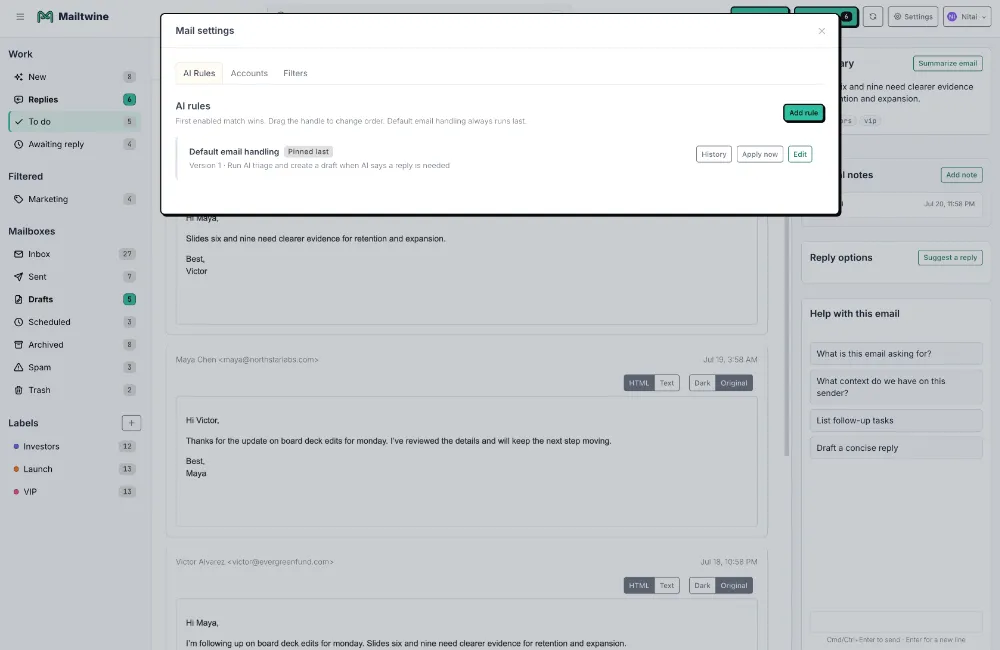
Mailtwine is a new kind of email triage software built to help companies manage inbox work automatically. It works with Helpmonks and Fastmail natively, and also supports IMAP, Microsoft 365 Office, and Google accounts.
That matters because many teams do not want to replace their current mailbox. They want a layer that helps them work better inside it.
Mailtwine helps with:
- triage
- prioritization
- routing
- summaries
- drafting
- approvals
So instead of asking a person to manually sort through every incoming thread, Mailtwine helps move messages into a clearer process. The result is fewer manual decisions, clearer ownership, and faster movement from message to action.
If you want the broader workflow view, see How to triage email with AI. If you want the system-level overview, What is an email command center? explains how triage, routing, summaries, drafts, and approvals fit together. For mailbox-specific setup, AI email triage for Outlook and Microsoft 365 and AI email triage for Gmail and Google Workspace show how Mailtwine connects to those environments.
Supported mailboxes and team setups
Mailtwine works across the mailbox environments teams already use:
- Helpmonks
- Fastmail
- IMAP
- Microsoft 365 Office
- Google accounts
That flexibility is useful for teams that work across mixed providers or need to keep existing mail infrastructure in place. It also makes Mailtwine a better fit for organizations that want workflow support without rebuilding their communication stack.
If you are comparing product shapes, the features page and compare page are useful places to see how Mailtwine handles routing, approvals, thread state, and mailbox flexibility.
What to look for in an AI email assistant
Not every AI email assistant is built for the same job. Before you choose one, check whether it can do more than generate text.
Look for these capabilities:
- Thread context: Can it summarize the full conversation, not just the last message?
- Ownership logic: Can it route messages to the right person or team?
- Approval controls: Can your team review drafts before sending?
- Priority handling: Can it separate urgent work from routine mail?
- Mailbox compatibility: Does it work with your actual mail provider?
- Workflow support: Can it help with assignment, follow-up, and escalation?
- Auditability: Can you see what happened to each thread?
If the answer to most of those is no, the tool is probably a drafting helper, not an email operating layer.
AI email assistant examples
Here is a simple example of how an AI email assistant can help.
A customer sends a long message about a billing issue, a technical question, and a deadline. Instead of forcing someone to read the whole thread first, the assistant can:
- summarize the issue
- flag the urgency
- suggest the right owner
- draft a response
- wait for approval before sending
That is the difference between "help me write" and "help me manage the inbox."
Mailtwine is designed for that second workflow. It helps teams take in a message, identify what it means, and move it toward the next action with less manual sorting.
Frequently Asked Questions
What is an AI email assistant?
An AI email assistant is software that uses artificial intelligence to help manage email tasks such as drafting, summarizing, sorting, prioritizing, and routing messages. The term is broad, so the exact features depend on the product. In Mailtwine's case, the assistant helps with triage and drafting support inside a larger inbox workflow, so teams can move messages into action faster.
Is an AI email assistant the same as email automation?
No. An AI email assistant usually helps with message-level tasks like drafting or summarizing, while email automation handles repeatable workflow steps such as routing, tagging, approvals, and follow-up. Many teams need both. AI interprets the message, and automation applies the next step.
What is the difference between AI for email and email triage?
AI for email is the broader category. It can include writing help, summaries, sorting, and routing. Email triage is the decision layer inside that category. It is the process of reviewing incoming mail, deciding what matters, and assigning the next action. If you want the operational version of AI for email, triage is usually the part that matters most.
What is AI inbox management software?
AI inbox management software is a tool that uses AI to help teams manage incoming email as a workflow. It usually supports prioritization, routing, drafting, summaries, and approvals. Mailtwine fits this category because it helps teams turn inbox work into a more organized queue rather than a pile of unread messages.
What is email workflow automation?
Email workflow automation is the use of rules and AI to move email through repeatable steps such as assignment, drafting, approval, routing, and follow-up. It goes beyond filtering because it helps complete the work attached to the email. For teams, that means less manual sorting and clearer ownership.
How does Mailtwine help with triage and drafting?
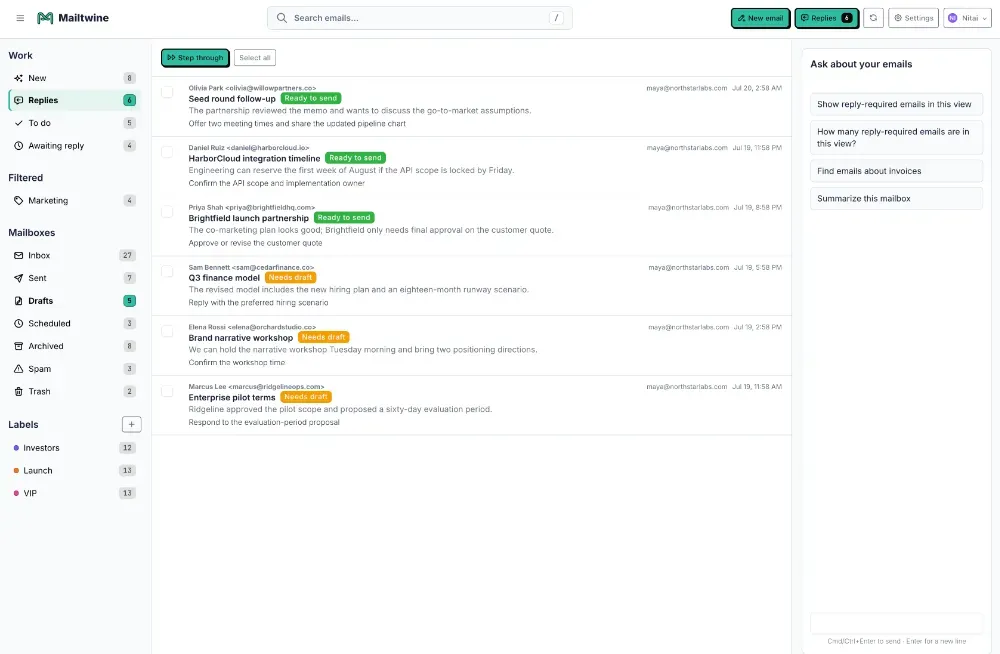
Mailtwine helps teams triage incoming email, route it to the right place, and draft responses for review. For example, a shared inbox can use Mailtwine to identify the thread's topic, assign ownership, summarize the context, and prepare a grounded reply. That keeps people focused on judgment calls instead of repetitive inbox sorting.
When an AI email assistant is enough, and when it is not
A basic AI email assistant is enough when the main problem is speed. You want replies faster, summaries shorter, or personal inbox work less repetitive.
It is not enough when the main problem is process. If your team needs:
- shared ownership
- approval steps
- routing rules
- thread visibility
- mailbox flexibility
- operational accountability
then you need a system built for inbox workflow, not only for drafting.
That is where Mailtwine fits. It is built for teams that want email triage, inbox management, and workflow automation in one place.
Start with the inbox problem, not the label
The labels can get messy fast. "AI email assistant," "email assistant AI," "intelligent email assistant," and "AI for email management" are often used to describe the same broad category.
The better question is simpler: does the product help a person write faster, or does it help a team move email into action?
If you need triage, routing, summaries, drafting, and approvals inside the mailbox you already use, Mailtwine is built for that job.