Why Email Rules and Folders Fail: The Case for Context-Aware AI Triage
The Illusion of Inbox Organization with Static Rules
Every professional has experienced the email rule trap. You hit 500 unread messages, decide to get organized, and spend two hours building complex filters in Outlook or Gmail:
- "If sender contains @vendor.com, move to Vendor folder."
- "If subject contains 'Urgent', mark with a red star."
- "If sender is not in my domain, skip inbox and apply label External."
Within two weeks, the system falls apart. A critical billing issue from a vendor gets buried unread in the Vendor folder. A marketing spammer puts "Urgent" in their subject line and triggers a false alarm. You end up having to check seven different folders anyway, creating seven unread piles instead of one.
Why Static Rules Inevitably Break
Traditional email client rules were designed in the 1990s. They suffer from three fundamental architectural flaws:
1. Header-Only Matching Without Content Comprehension
Rules look only at metadata: sender address, subject line keywords, or header tags. They cannot read the message body. A rule cannot tell the difference between:
- "Re: Contract renewal - looks great, let's sign." (High priority closing deal)
- "Re: Contract renewal - please remove me from this thread." (Zero priority administrative notice)
2. The "Out of Sight, Out of Mind" Folder Graveyard
Moving emails into nested subfolders does not triage work—it merely hides it. Out-of-sight folders become dark archives where time-sensitive client requests expire without action.
3. Maintenance Sprawl and Fragility
As team members join and leave, suppliers change domains, and clients write from personal accounts, rules require constant manual updating. Within months, rules conflict with one another and silently drop important messages.
What Context-Aware AI Triage Does Differently
Unlike static filters, AI email triage software analyzes the semantic meaning of incoming messages:
- Intent & Topic Analysis: Evaluates what the sender actually wants (pricing quote, technical bug report, cancellation request, meeting reschedule) rather than matching isolated keywords.
- Dynamic Consequence Scoring: Computes an objective priority score based on customer tier, contractual response SLAs, and impending deadlines.
- Thread Summarization: Condenses long, multi-turn conversations into concise Triage Digests so you understand the situation in seconds.
- Review-First Draft Preparation: Stages grounded responses prepared in your voice, waiting for human approval before sending.
The Shift from Folder Storage to Operational Queues
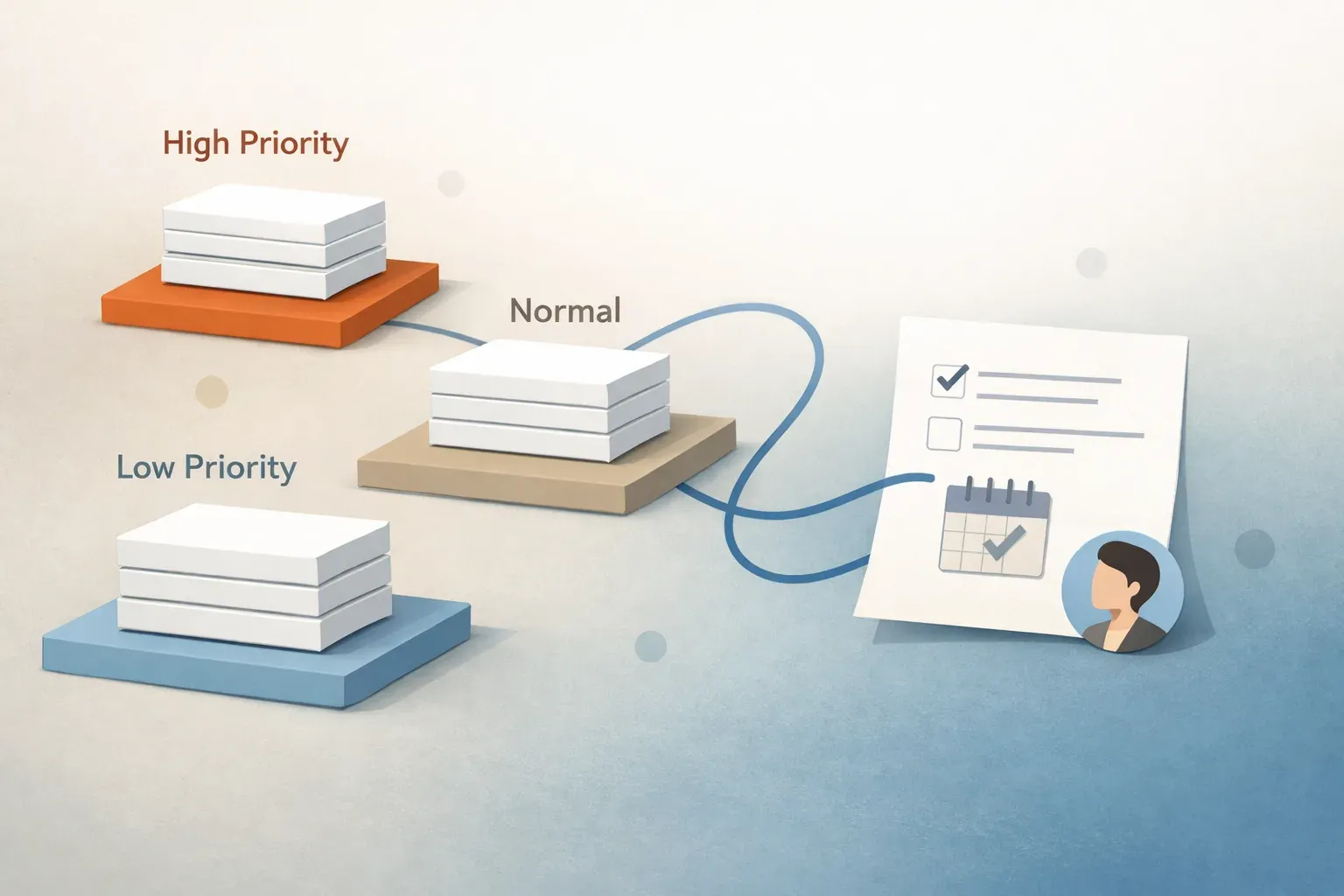
Stop filing email into dead folders. Modern email management treats the inbox like an operational queue: messages enter, receive automated priority and routing, get paired with grounded drafts, and exit once approved. Read our complete guide to the Email Command Center or try Mailtwine free during beta.