Inbox Management Software: 9 Best Tools to Compare in 2026

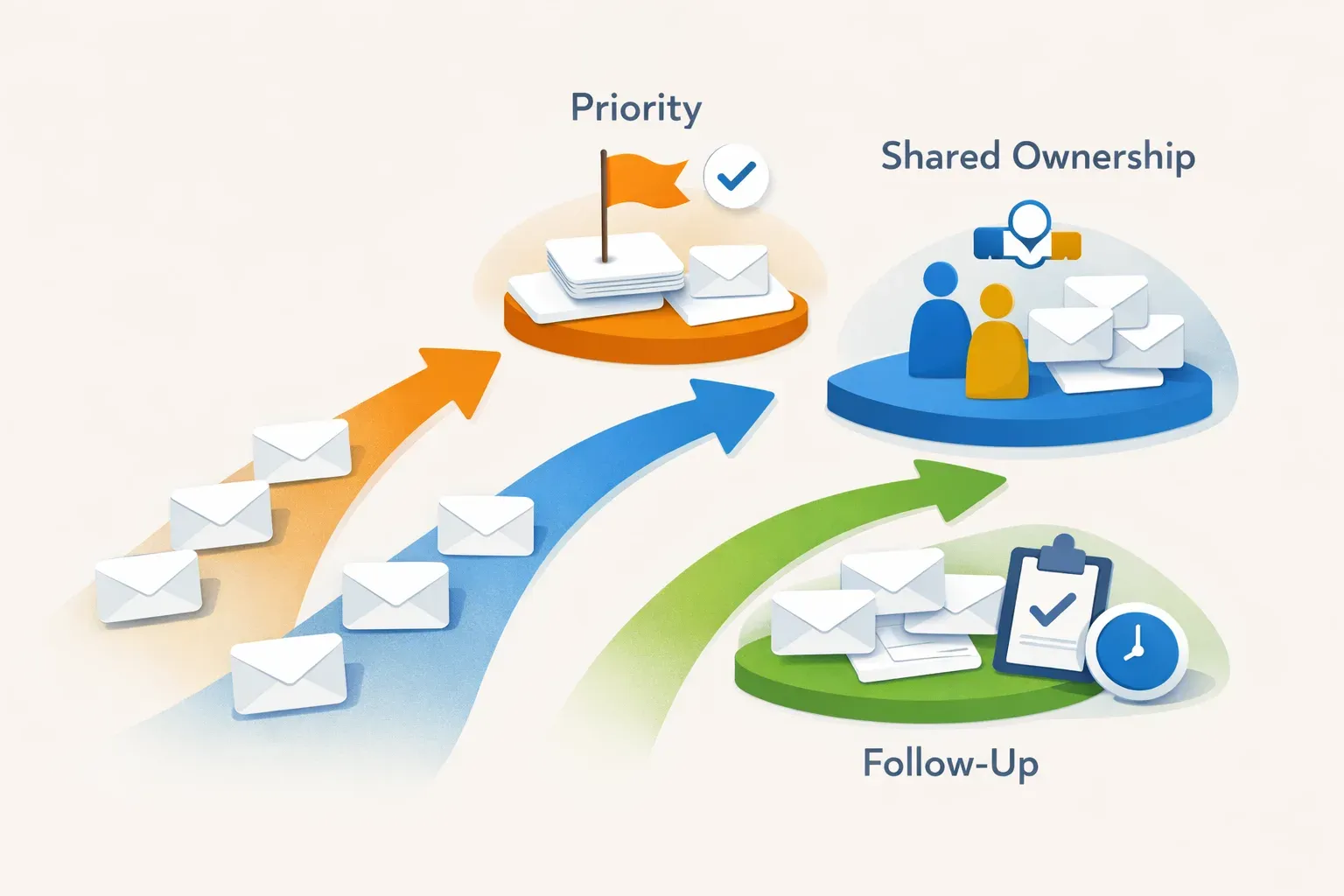
Inbox management software can mean a personal email app, a shared team inbox, a cleanup tool, or an AI layer that prioritizes and routes messages. Those products solve different problems, so the right choice depends on what is slowing your inbox down: sorting, individual focus, shared ownership, or moving work through a team.
This comparison covers nine options across those needs. It is a category-based shortlist, not a claim that every product has the same features or has been tested head to head. For a useful overview of how the categories differ, see this inbox management software comparison.
At a glance
| Option | Consider it when... |
|---|---|
| Mailtwine | Incoming email needs prioritization, routing, follow-ups, or reply drafts across inboxes |
| Missive | A team needs shared ownership of messages |
| Hiver | A team needs shared ownership of messages |
| Shortwave | You want an individual productivity tool |
| SaneBox | You want an individual productivity tool |
| Gmail | Your existing Google inbox is enough for the job |
| Outlook | Your existing Outlook inbox is enough for the job |
| Fastmail | You want to keep working in Fastmail |
| Helpmonks | Your team already uses Helpmonks for email |
1. Mailtwine: inbox workflows across providers
Mailtwine is an AI email assistant for individuals and teams. It helps prioritize incoming mail, summarize threads, draft replies, route messages, manage approvals, and keep follow-ups from getting lost. Rather than requiring a switch to a new email address, it works with existing inboxes.
It supports Gmail, Outlook, Fastmail, Helpmonks, IMAP, and MCP clients. That makes it a candidate for teams working across more than one provider, or for organizations that want to add an AI workflow without replacing their current mailbox.
Mailtwine is available through hosted beta access, with AGPLv3 open-source and self-hosting planned. It is worth considering when the main problem is not reading email faster, but deciding what needs attention, who should handle it, and what happens next. See the narrower guide to email triage software and AI prioritization.
2. Missive: shared team ownership
Missive is one option to investigate when several people need to share responsibility for incoming email. The supplied category overview identifies it as a team-ownership choice. Before adopting it, check whether its handling and assignment model matches the way your team divides work, and whether it supports the mailboxes you need.
A shared inbox is most useful when messages need clear ownership. If your main need is personal prioritization or summarizing long threads, a team-oriented tool may add more workflow than you need.
3. Hiver: shared team ownership
Hiver is another option for teams comparing ways to manage responsibility for shared email. Like Missive, it belongs in the team-ownership category rather than the individual productivity category.
Compare how each tool handles assignment, visibility, and handoffs in your actual workflow. A team should be able to tell who is responsible for a message and whether it still needs attention. If you only need a cleaner personal inbox, compare individual tools instead.
4. Shortwave: individual productivity
Shortwave is identified in the supplied comparison as an individual productivity option. Consider it if your inbox problem is mainly personal: keeping up with messages, finding what to handle next, or working through email more efficiently on your own.
It is a different kind of choice from a shared inbox or an operational workflow layer. If several people need to take turns handling the same queue, confirm that the product supports the ownership process you need before choosing it.
5. SaneBox: individual productivity
SaneBox is also identified as an individual productivity option. It may be a fit to explore if your goal is to make personal email easier to manage rather than assign work across a team.
The key question is whether you need help organizing your own incoming messages or a workflow that assigns, routes, and tracks shared work. Those are distinct jobs, even when both tools are described as inbox management software.
6. Gmail: keep your existing inbox
If your team already uses Gmail and its built-in inbox workflow meets your needs, an additional tool may not be necessary. Start by identifying the specific gap: Are important messages hard to spot? Do follow-ups get missed? Is it unclear who should respond?
If the answer points to a need beyond your current mailbox, assess tools that work with Gmail rather than assuming you must migrate. Mailtwine supports Gmail workflows, while its Gmail email triage page describes that provider-specific use case.

7. Outlook: keep your existing inbox
Outlook is a sensible starting point when it is already the mailbox your team uses and the current setup handles incoming email well. If the difficulty is managing priorities, drafting responses, or coordinating who responds, compare an added workflow tool against switching email clients.
Check that any option under consideration supports your Outlook environment. Mailtwine supports Outlook, and its Outlook email organization guide discusses how an AI layer can help organize that workflow.
8. Fastmail: keep your existing inbox
Fastmail may be the right choice if you are satisfied with your current mailbox and want to continue using it. The decision is not always between email providers: a workflow tool can sit alongside an inbox rather than replace it.
For teams that need additional prioritization, drafting, or routing, check how well a tool works with Fastmail before committing. Mailtwine supports Fastmail; its Fastmail triage overview covers that specific setup.
9. Helpmonks: build on a team inbox you already use
If your team already handles email through Helpmonks, first check whether your current workflow meets the need. You may not need to replace a working inbox simply to add prioritization or follow-up support.
Mailtwine supports Helpmonks through a native connection, so it is an option to evaluate when the mailbox itself is not the only issue and the team wants help with the work around incoming messages.
How to choose the right inbox management software
Start with the task you want the software to improve. A longer feature list does not help if it does not address the actual bottleneck.
- Name the main problem. Is email hard to prioritize, hard to share, or hard to follow through on? Choose a tool category that fits the problem.
- Decide whether the inbox is personal or shared. Individual productivity tools and team ownership tools serve different workflows.
- Check provider support. Confirm compatibility with the inboxes you use, especially if your team works across Gmail, Outlook, Fastmail, Helpmonks, or IMAP.
- Map the handoff. For shared email, ask how a message gets an owner and how the team sees what still needs a response.
- Keep a person in the loop where needed. If drafts or routing decisions need review, check that the tool supports that step.
- Test on real messages. Use representative threads to see whether prioritization, summaries, drafts, and follow-up handling are useful in practice.
For more detail on AI-specific choices, read how to evaluate AI inbox tools for a team. If the core issue is getting incoming messages sorted and acted on, this guide to an AI email triage workflow focuses on that narrower job.
The best fit depends on where email work breaks down. Choose an individual productivity tool for personal inbox management, a team-ownership product for shared responsibility, or an AI workflow layer when messages need prioritization, routing, reply drafting, and follow-up support across the inboxes you already use.





