Mailtwine Blog

Focus

Email triage & AI email assistant

Notes on triage queues, AI-assisted replies, routing rules, approval loops, and the operational systems that keep shared inboxes moving.

Email management tools: what to look for in an email management app

Email management tools: what to look for in an email management app

If your team is still treating email like a pile of messages, most "email management tools" will only help a little. The real question is whether the tool turns inbox work into a clear process: who should handle this, what happens next, and when does it need attention?

07 Aug 2026 · 6 min read
Email Triage Software: Faster Inbox Cleanup With AI Prioritization
AI

Email Triage Software: Faster Inbox Cleanup With AI Prioritization

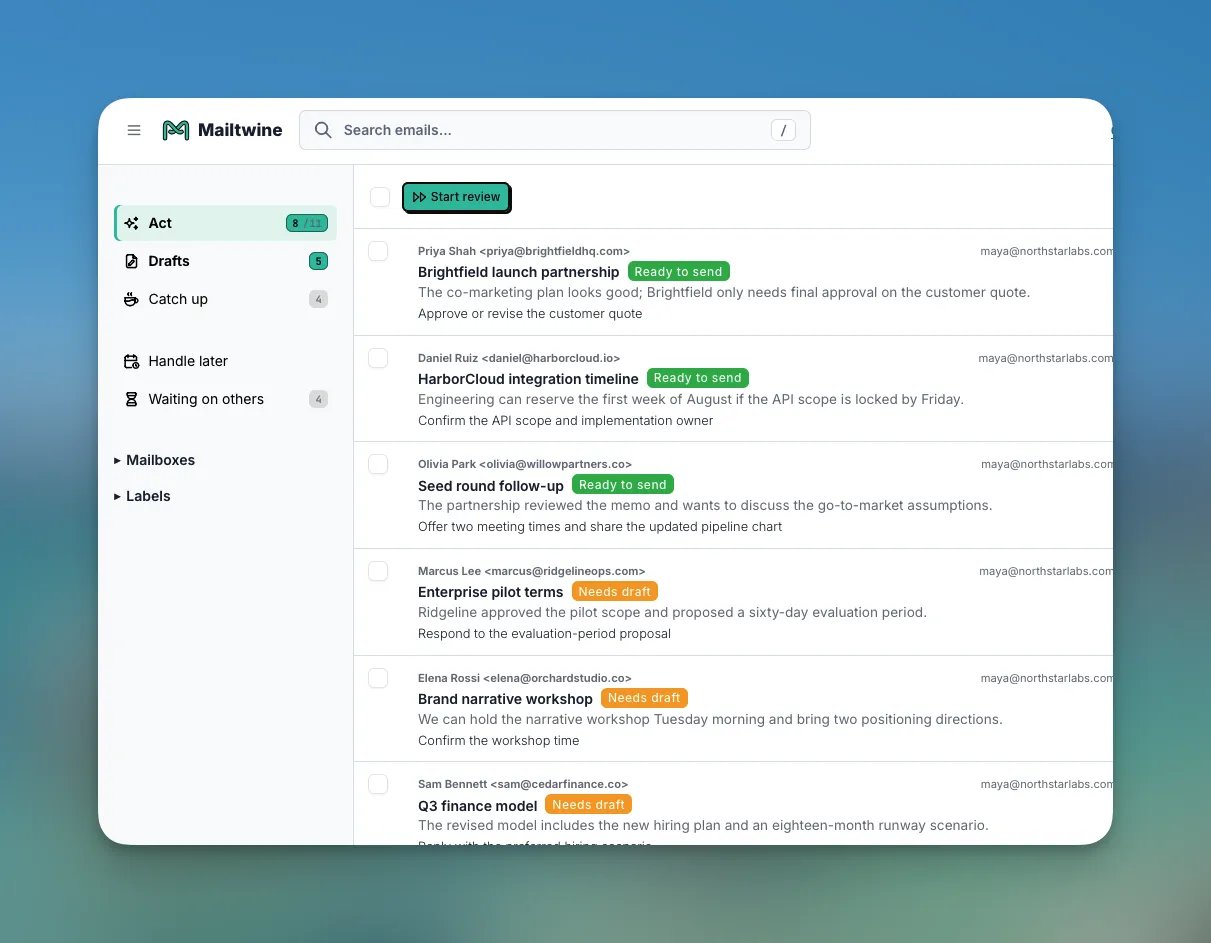
Email triage software fixes the first problem in the inbox: deciding what deserves attention. This guide explains how AI email triage works, where it fits into inbox management, and how tools like Mailtwine help companies sort, prioritize, and route email automatically.

07 Aug 2026 · 8 min read
8 Best AI Email Assistants: Free Options Compared
AI

8 Best AI Email Assistants: Free Options Compared

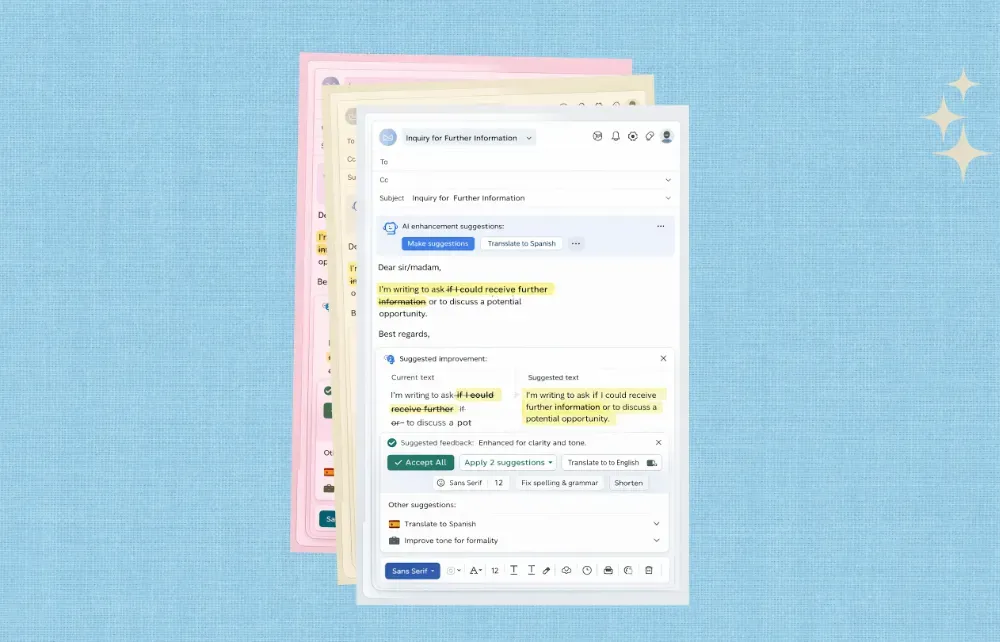
If your inbox is full of messages that need different kinds of attention, an AI email assistant can help sort the pile faster. The useful tools do more than suggest replies. They help you prioritize, summarize, route, draft, and keep work moving without forcing a mailbox migration.

03 Aug 2026 · 7 min read
How to Use AI to Sort and Route Team Email
AI

How to Use AI to Sort and Route Team Email

AI for email is most useful when it helps teams do the first pass on incoming mail: classify, prioritize, summarize, route, and hand off the right thread to the right person. That is the difference between a folder full of messages and a working queue.

03 Aug 2026 · 6 min read
Using Mailtwine on Mobile, Desktop, and in Your Browser
product

Using Mailtwine on Mobile, Desktop, and in Your Browser

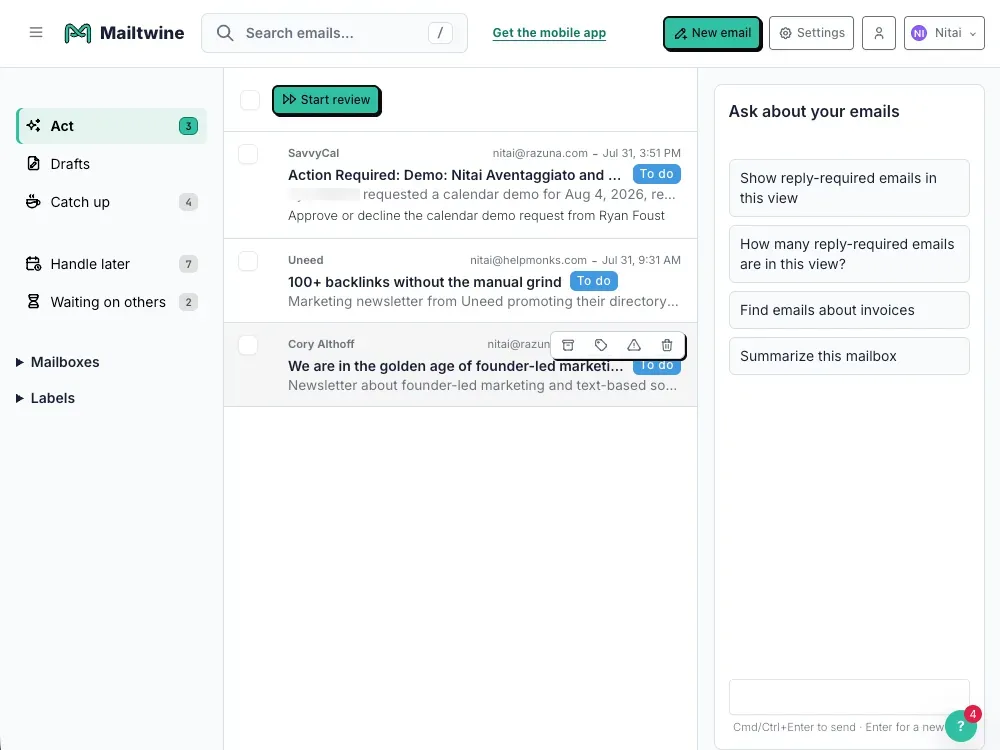
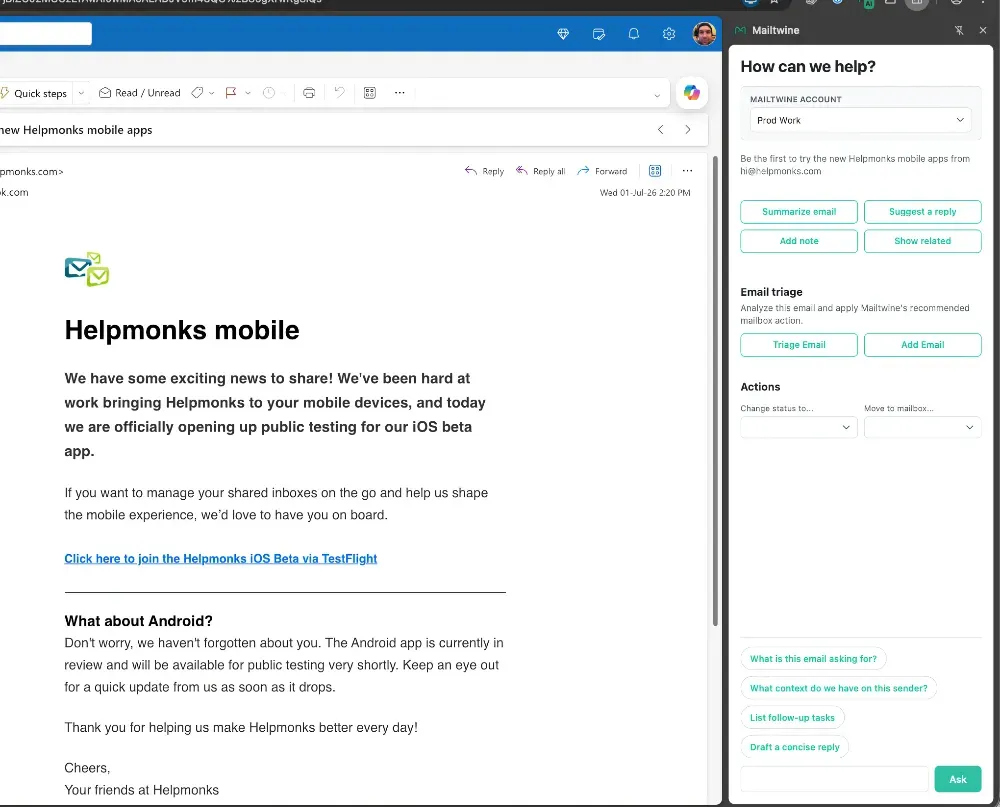
As we prepare to let more people try Mailtwine for their AI assistant email workflows, we are thrilled to announce that our Mailtwine mobile apps for iOS and Android, the Mailtwine desktop app for Windows, macOS, and Linux, and the Mailtwine browser extensions are now available.

01 Aug 2026 · 3 min read
What Is AI Email Triage? Sorting and Priorities Explained
AI

What Is AI Email Triage? Sorting and Priorities Explained

Email triage software handles sorting your inbox, prioritizes what needs attention first, routes threads to the right person, and can draft replies for review. Instead of forcing someone to scan every message manually, the system turns an inbox into a queue of actions.

20 Jul 2026 · 6 min read
How to Summarize Email Threads into Action Items
AI

How to Summarize Email Threads into Action Items

Long email threads waste time when all you need is the decision, the deadline, and who owns the next step. AI email summarization helps by compressing long conversations into a short summary that surfaces the useful parts first.

20 Jul 2026 · 6 min read
How to Evaluate AI Inbox Tools for Your Team
AI

How to Evaluate AI Inbox Tools for Your Team

If your inbox is where work gets stuck, the right AI inbox management software should do more than draft replies. It should help your team decide what matters first, route messages to the right owner, and keep responses moving without forcing a mailbox migration.

20 Jul 2026 · 7 min read
How AI Helps You Organize Outlook Email
AI

How AI Helps You Organize Outlook Email

Microsoft 365 positions Outlook AI features around organizing messages, suggesting replies, and prioritizing. Mailtwine takes that idea and focuses it on email triage. It is an AI email assistant that helps you prioritize, draft, route, and approve messages inside your existing inbox.

18 Jul 2026 · 6 min read
How to Turn Email into a Prioritized Action Queue
AI

How to Turn Email into a Prioritized Action Queue

Mailtwine is email triage software built to classify incoming email automatically with AI. It works natively with Helpmonks, Fastmail, IMAP accounts, and Outlook, helping teams focus on the messages that require attention rather than spending the first part of every day sorting the inbox.

18 Jul 2026 · 7 min read